
Stereo vision & inertial recording
Inspect stereo sources, IMU, timing and calibration. Hand skeletons and disparity previews are identified as post-processing estimates.
Open E2 recording notes →EGO CAPTURE / HAND DATA / EMBODIED AI
Ego capture hardware, hand data and embodied datasets. Start with real recordings to choose the hardware, data and delivery your task needs.
Open specifications and recording notes · no form required
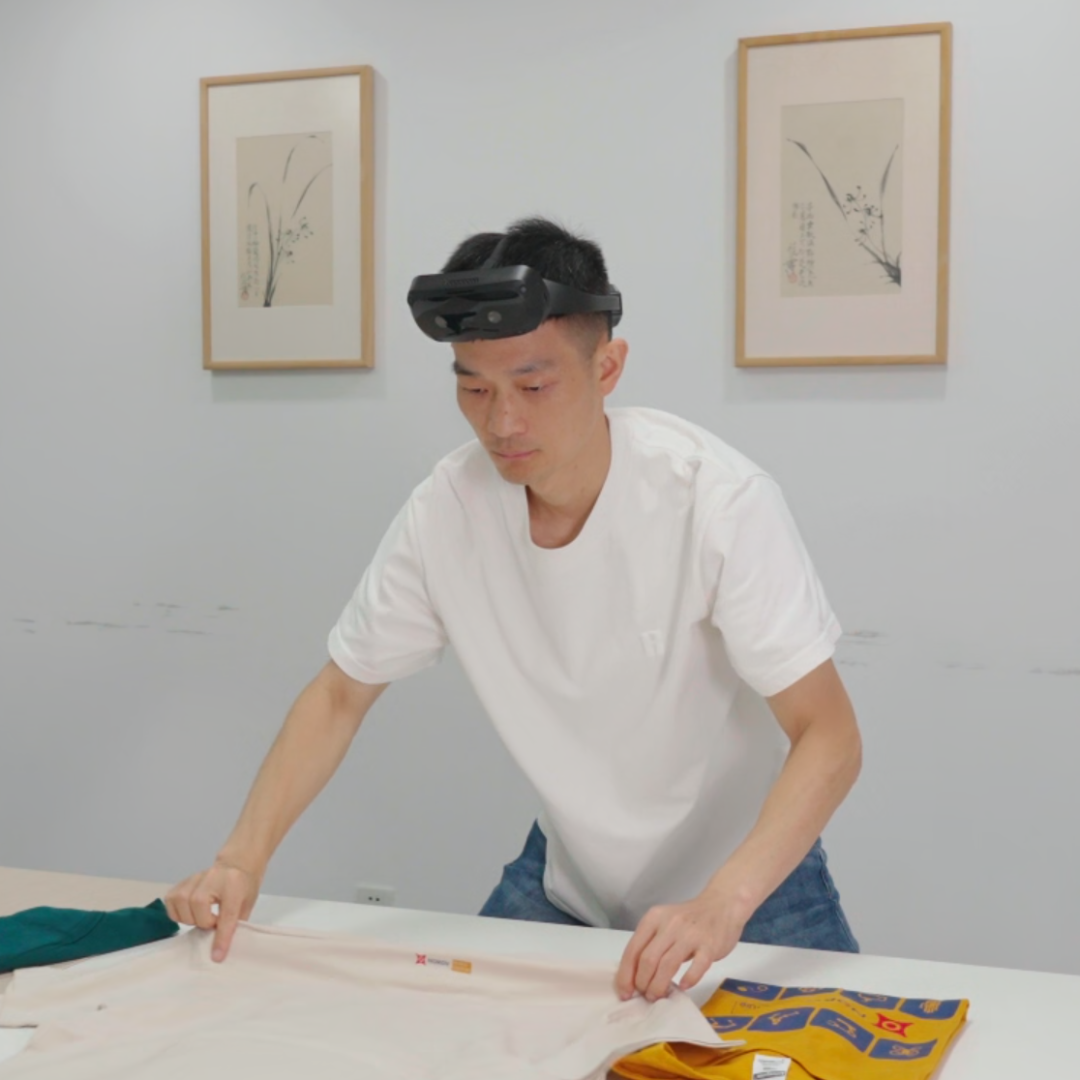
START WITH YOUR TASK
Choose a starting point that matches your project.
Start with form factor, wearability and data outputs.
Explore devices ↗02Filter the catalog by scene and fields; review a sample before defining scope.
Browse data ↗03Explore gloves and close-up views for demonstrations and robot teleoperation.
Explore hand capture ↗04Review hardware, scenes, formats and delivery as one project.
Discuss your project ↗REAL RECORDINGS / OPEN EVIDENCE
Public recording notes identify what was captured, how it aligns and which outputs are estimates.
Inspect stereo sources, IMU, timing and calibration. Hand skeletons and disparity previews are identified as post-processing estimates.
Open E2 recording notes →Review video, head pose, hand joints and time indexes. Check video and joint rates independently, including validity.
Open E6 recording notes →HARDWARE FOR YOUR WORKFLOW
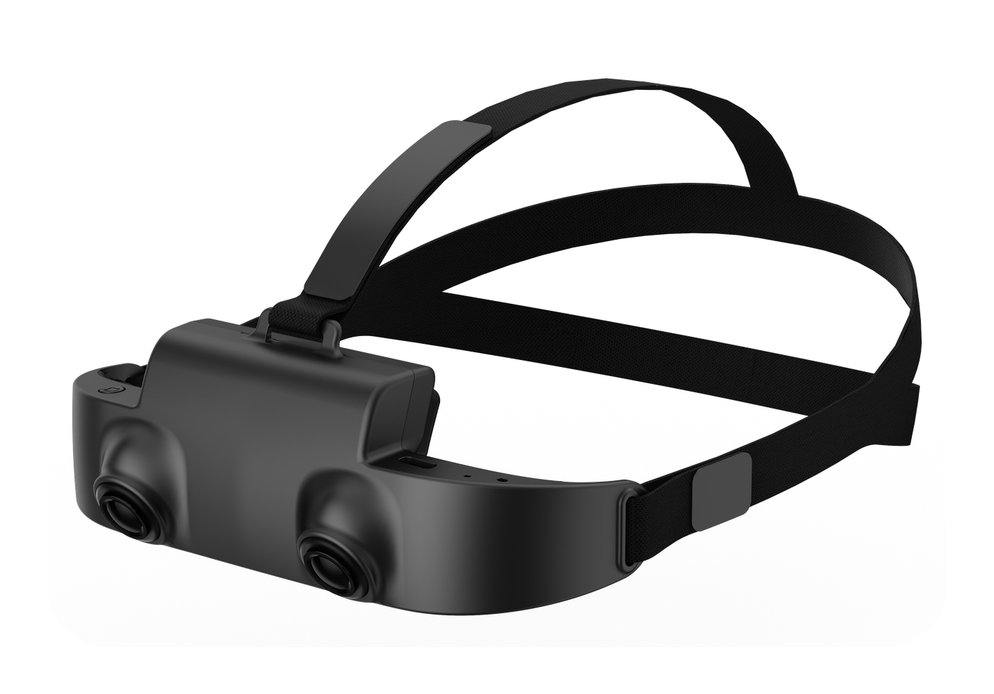
E2
Stereo global-shutter RGB and IMU for extended first-person recording.
<150g · 1600×1200 at 30fps
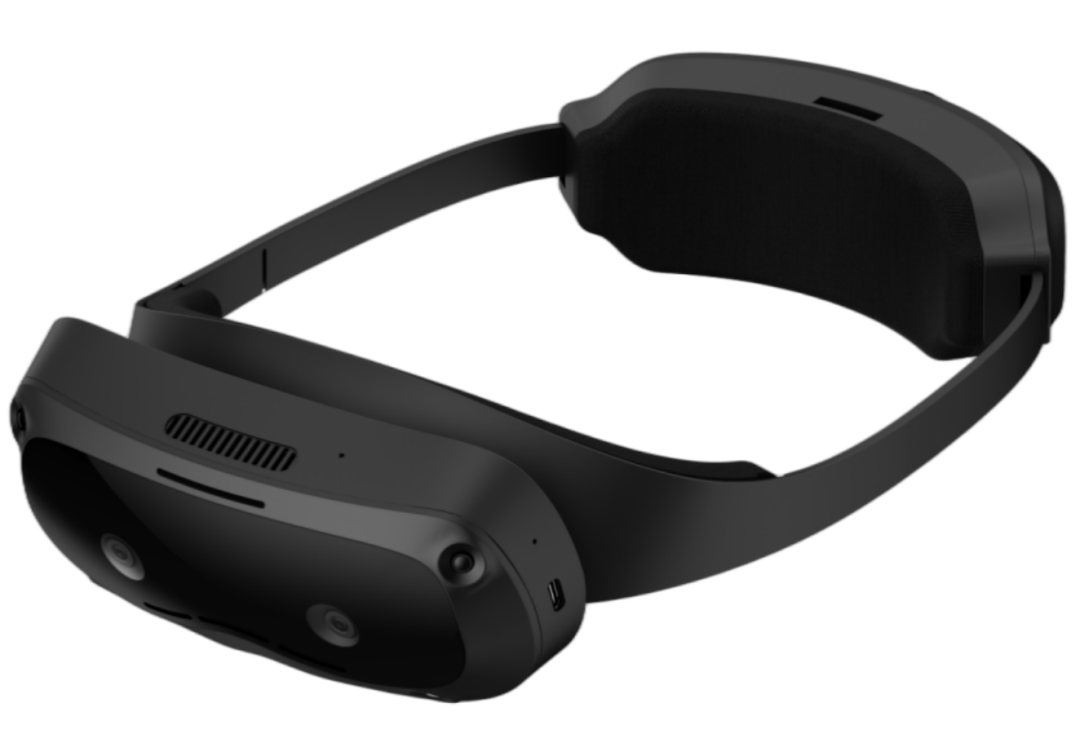
E6
Record multiple views, SLAM, hands and inertial data; confirm the configuration.
6 cameras · recording sample available
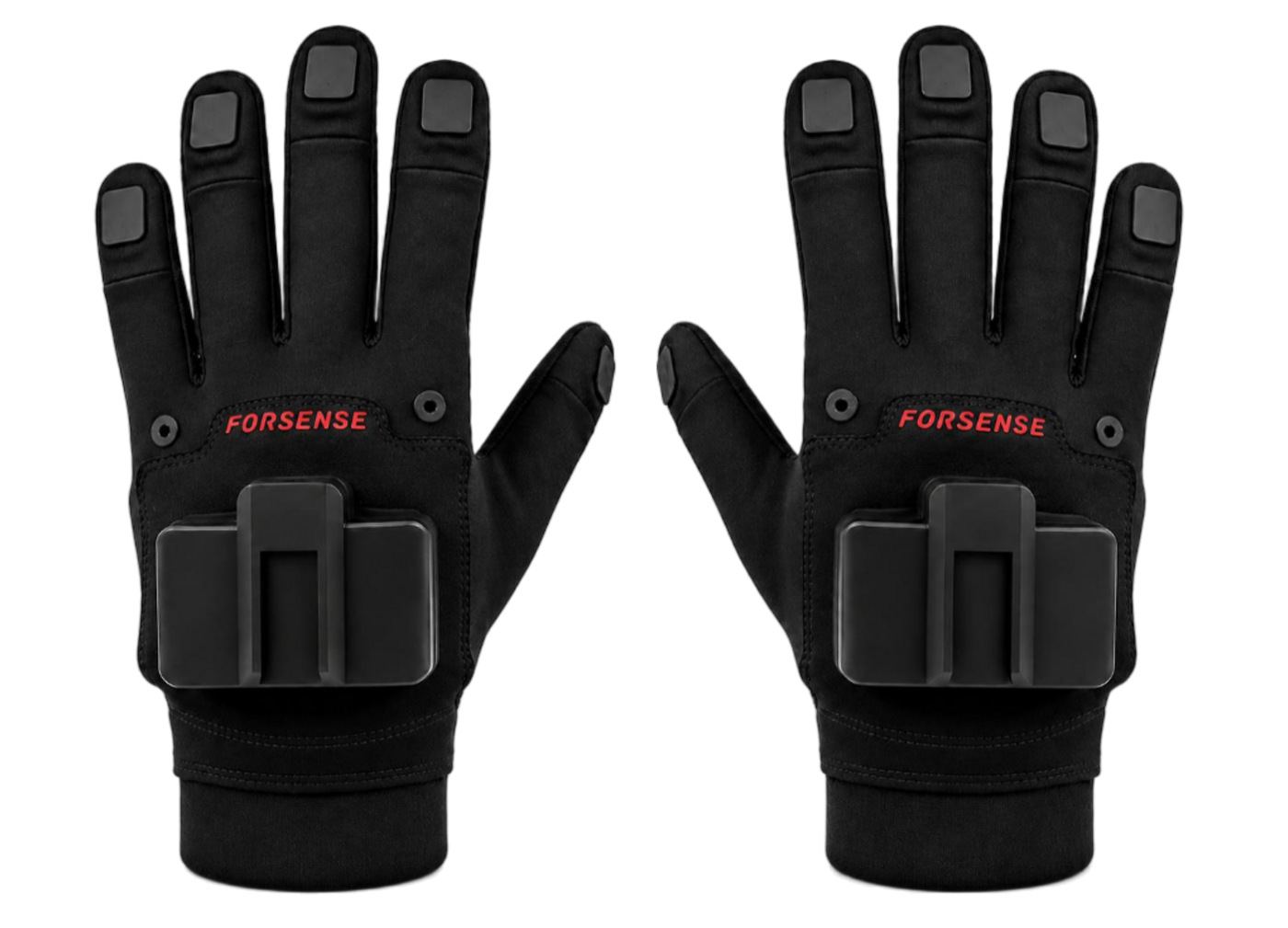
G7 / G2-L
Choose fingertip-position or wireless-pose capture; assess robot retargeting per project.
G7 magnetic-inertial / G2-L wireless IMU
Add close-up task views; confirm mounting and synchronization.
02 / TRACKINGRing locatorAssess tool and gripper tracking with a defined host and interface.
03 / MULTIMODALE8Multimodal research platform; configuration and supply require confirmation.
Specifications support selection; confirm versions, options, performance conditions and lead time in writing.
DATA FOR YOUR TASK
Explore industrial, warehouse, retail and daily-life scenes. Review samples, modalities, quality criteria and usage rights, then confirm quantity and timing.
Check the task and viewpoint against your research.
Distinguish source data, human labels, estimates and indexes.
Confirm scope, formats, quantities and acceptance in writing.
FROM EVALUATION TO DELIVERY
Scenes, actions, modalities, quantity and schedule.
Device versions, data fields and interfaces.
Use samples and task criteria to define acceptance.
Confirm price, rights, timing and support in writing.
BEFORE YOU START
Explore the public resources, then contact the team for a task-specific assessment.
For your own recording workflow, start with hardware specs and recording samples. For existing data, review scenes, fields and scope in the catalog. Request a combined assessment if you need both.
Human-worn observations are not automatically robot-action labels. VLA or robot-hand control requires a defined action space, retargeting, control interfaces, synchronization and validation.
E2/E6 pages describe real recordings. Previews help inspect the data; use native-rate files, calibration, timestamps and validity fields for training or evaluation. Outputs vary by recording and configuration.
Share your task, email and model of interest, plus quantity, environment and delivery window if known. The team uses these to confirm configuration, interfaces, pricing and timing, and reply by email.
PROJECT ASSESSMENT
Share your task and email so the team can confirm hardware, data scope, interfaces and pricing. Public resources are available without registration.
+86 137 5502 0164For robot integration or multi-device synchronization, include your target hardware and task. You can also email lk@langhuiai.com.