
Multi-sensor data capture SDK for XR devices: uses OpenXR and camera extensions to capture RGB and grayscale camera streams, IMU, audio, poses, and hand tracking, recording synchronized datasets with timestamps.
| Property | Value | Description | Takes effect |
|---|---|---|---|
persist.xr.project_hand |
1/0 |
Project the hand skeleton onto encoded video (does not affect the headset preview) | After restarting |
persist.xr.project_controller |
1/0 |
Project controller coordinate axes onto encoded video (does not affect the headset preview) | After restarting |
persist.sxr.cam.rgb.fps |
30/60 |
RGB camera frame rate (default 30) | Restart the application |
persist.xr.dataset_type |
mp4/mcap |
Dataset format (default mp4; mcap uses a single MCAP file; for the format, see mcap-dataset-format.md) |
From the next recording |
adb shell setprop persist.xr.project_hand 1        # Enable skeleton projection
adb shell setprop persist.xr.project_controller 1   # Enable coordinate-frame projection
adb shell setprop persist.sxr.cam.rgb.fps 60       # Switch RGB to 60fps
adb shell setprop persist.xr.dataset_type mcap     # Switch dataset to single-file MCAP
# Capture screenshots (all cameras → .../files/images/)
adb shell am broadcast -a com.ssnwt.helloxr.SAVE_IMAGE

# Record dataset (→ .../files/dataset/<YYYYMMDD_HHMMSS>/)
adb shell am broadcast -a com.ssnwt.helloxr.START_RECORDING
adb shell am broadcast -a com.ssnwt.helloxr.STOP_RECORDING

Pull dataset
adb pull /sdcard/Android/data/com.ssnwt.helloxr/files/dataset/ ./dataset/

Restart app / view logs
adb shell am force-stop com.ssnwt.helloxr && sleep 1 \
  && adb shell am start -n com.ssnwt.helloxr/com.ssnwt.helloxr.VrNativeActivity
adb logcat | grep -E "HelloXr|sxrcam|DatasetRecorder|Encoder"
| Button | Function |
|---|---|
| VOLUME_UP | Capture screenshots from all cameras |
| Right A (select/click) / DPAD_CENTER | Toggle recording on/off |
/sdcard/Android/data/com.ssnwt.helloxr/files/ ├── dataset/<YYYYMMDD_HHMMSS>/ # Dataset └── images/ # Screenshots (triggered by VOLUME_UP)
This section describes the default MP4 multi-file format. If
persist.xr.dataset_type=mcap, the directory contains only one<YYYYMMDD_HHMMSS>.mcapfile (all channels and attachments are embedded in the same file). For the format and downstream usage, see mcap-dataset-format.md.
dataset/<YYYYMMDD_HHMMSS>/ ├── rgb.mp4 / rgb_metainfo.csv # RGB side-by-side video (2W×H, H.265, 30fps) + per-frame metadata ├── tracking.mp4 / tracking_metainfo.csv # Tracking grayscale (W×H, H.265, 60fps) + metadata ├── ctrl.mp4 / ctrl_metainfo.csv # Ctrl grayscale (W×H, H.265, 60fps) + metadata ├── audio.m4a / audio_metainfo.csv # AAC audio (44.1kHz, mono, 96kbps) + metadata ├── accel.csv / gyro.csv # IMU accelerometer / gyroscope ├── head_pose.csv # 6DOF head pose ├── hand_tracking.csv # Hand joint data (always present; a single empty line when no hand is tracked) ├── controller_poses.csv # Controller poses (always present; a single empty line when no controller is present) ├── imu_calibration.json # IMU calibration sidecar └── camera_params_{rgb,tracking,ctrl}.json # Camera intrinsics / extrinsics
Format version version — camera_params_*.json / imu_calibration.json store the same dataset format version in their first field as the mcap session metadata field datasetFormatVersion. This dataset format version increments when the field structure or coordinate-system conventions change. The extrinsics use convention 1 starting with tag 1.7.0 (after 1.6.0; tags ≤ 1.6.0 use the deprecated convention 0 conjugated output):
| version | Applies to | Meaning |
|---|---|---|
| Absent | tag ≤ 1.6.0 | Legacy format: old extrinsics convention (deprecated convention 0 conjugated output) |
| Absent | tag 1.7.0 – 1.8.1 | Legacy format: new extrinsics convention (convention 1), with the same semantics as v2 but no version field |
2 |
tag ≥ 1.8.2 | Current format: raw OpenXR Body + stored-image optical camera coordinates (X right in the image / Y down in the image / Z forward along the optical axis) + extrinsics convention 1 + IMU bias in the original sensor frame |
The SDK release version is recorded in the repository-root VERSION file (one line, for example 1.8.2). Before tagging a release, update this file and tag the same commit. At build time, it is injected as the SDK_VERSION macro. You can check it in startup logcat output (adb logcat | grep HelloXr) and in the mcap session metadata field sdkVersion.
Approximate file sizes (about 10 seconds):rgb.mp4 ~10MB · tracking/ctrl.mp4 ~5MB · audio.m4a ~120KB · accel/gyro.csv ~300KB · head_pose.csv ~50KB · hand_tracking.csv ~100KB.
Media and metadata — Video and audio use fragmented MP4(FMP4Writer, crash-safe). Per-frame timestamps, exposure, and gain are not stored in the media files; they are written to *_metainfo.csv (first row: header; subsequent rows appended per sample):
| File | schema |
|---|---|
rgb/tracking/ctrl_metainfo.csv |
frame_index,frame_id,pts_us,exposure_start_utc_ns,exposure_duration_ns,gain,mid_exposure_utc_ns |
audio_metainfo.csv |
packet_index,pts_us,capture_utc_ns |
pts_us: zero-based microseconds, matching the presentation time of the mp4 sample.*_utc_ns: absolute UTC (see 2.3 Timestamp system).mid_exposure_utc_ns= exposure midpoint, recommended as the image sampling time reference.
IMU — accel.csv / gyro.csv:timestamp_ns,x,y,z (accelerometer: m/s²; gyroscope: rad/s; timestamp: UTC ns; see 2.3).
Pose:
head_pose.csv:timestamp_ns,pos_x,pos_y,pos_z,quat_x,quat_y,quat_z,quat_w(pose of the Body frame in World coordinates).hand_tracking.csv:frame_number,timestamp,left_active,right_active,{left|right}_joint{i}_{id,name,radius,pos_x,pos_y,pos_z,orientation_x,y,z,w}(26 joints per hand, 10 fields per joint; Root Space, meters). Always output; when no hand tracking is active, only the first invalid row is saved (active=0).controller_poses.csv:frame_number,timestamp_ns,left_active,left_px..qw,right_active,right_px..qw. Always output; when no controller is present, only the first invalid row is saved (active=0).
IMU calibration imu_calibration.json — Written at the start of recording to record the device's IMU calibration parameters (see the CSV files for raw accel/gyro data and camera_params_*.json for camera extrinsics). The first field, version, is the dataset format version (see 2.1). Strict JSON.
| Field | Meaning | Unit |
|---|---|---|
device_uid |
Unique device ID | — |
imu.imu_id / imu.is_primary |
IMU number / whether it is the primary IMU | — / bool |
imu.bias.accelerometer_mps2 |
Three-axis accelerometer bias (constant offset) | m/s² |
imu.bias.gyroscope_rads |
Three-axis gyroscope bias | rad/s |
imu.scale_factor.accelerometer / .gyroscope |
Three-axis scale factors (deviation from 1.0) | Dimensionless |
imu.nonorthogonality.accelerometer / .gyroscope |
Three-axis non-orthogonality (cross-axis coupling) | Dimensionless |
imu.time_alignment_s.imu_to_pose |
IMU↔pose (tracking) time offset from the calibration file <Stateinit delta> (relative offset in seconds; add directly when both timestamps are in the same time domain) |
s |
imu.time_alignment_s.cameras.<cam_name> |
Per-camera IMU↔camera time offset (trackingA/trackingB/ctrl-trackingA/ctrl-trackingB/rgb-left/rgb-right) |
s |
imu.time_alignment_s.accel |
Additional accelerometer time offset relative to the gyroscope, from <Stateinit accelDelta> |
s |
noise.accel_noise_std_mps2 |
Accelerometer measurement noise standard deviation σ_a | m/s² |
noise.gyro_noise_std_rads |
Gyroscope measurement noise standard deviation σ_g | rad/s |
noise.accel_bias_std_mps2 |
Accelerometer bias random-walk noise σ_ba (empirical default; not provided in the calibration file) | m/s² |
noise.gyro_bias_std_rads |
Gyroscope bias random-walk noise σ_bg (empirical default; not provided in the calibration file) | rad/s |
Camera parameters camera_params_*.json — Saved at the first valid frame; static parameters:
{
  "version": 2,
  "group": "rgb",
  "cameras": [
    { "eye": "left",  "width": 2328,  "height": 1748,
      "intrinsics": {
        "focalX": 1374.56,  "focalY": 1369.12,
        "centerX": 1159.37,  "centerY": 878.45,
        "radialDistortion": [0.0471, -0.0213, 0.0038, -0.0002,  0, 0, 0, 0]
      },
      "extrinsics": {
        "position": [0.032, -0.015, 0.002],   // Camera optical center in the Body frame (m)
        "rotation": [0.0, 0.0, 0.0, 1.0]        // Camera→Body quaternion [x,y,z,w]
      }
    },
    { "eye": "right",  /* ... */ }
  ]
}
All pose data uses the OpenXR Body coordinate system (see 3.1). The SDK outputs it unchanged, with no coordinate-system conversion.
All data streams share the same absolute UTC timeline and are mutually consistent. At the start of recording, the BOOTTIME→REALTIME offset is sampled once (offset = CLOCK_REALTIME - CLOCK_BOOTTIME). Each stream's original CLOCK_BOOTTIME timestamp is written with this same offset added:
- Video (
*_metainfo.csv:exposure_start_utc_ns/mid_exposure_utc_ns): originally sourced from the camera frame'sstart_of_exposure_ts(kernelCLOCK_BOOTTIME),+ offset → UTC. - Audio (
capture_utc_ns): reconstructed from theCLOCK_BOOTTIMEtime base and codec PTS;+ offset → UTC. - IMU(
accel/gyro.csvtimestamp_ns):AndroidASensorEvent.timestamp(CLOCK_BOOTTIME),+ offset → UTC. - Pose (
head_pose.csvand other streamstimestamp_ns):CLOCK_BOOTTIME,+ offset → UTC.
Alignment to RGB: pose, hand tracking, and controller data are queried in the RGB frame callback at the RGB mid-exposure time, directly retrieving historical OpenXR poses (xrLocateSpace(camXrTime)), then re-timestamped to RGB mid-exposure; the measured residual is sub-microsecond. IMU is an independent high-rate stream (~1kHz, UTC per sample); downstream processing aligns it by interpolation using mid_exposure_utc_ns. tracking/ctrl are independent 60fps streams (RGB: 30fps); timestamps are matched using each stream's mid-exposure time.
# Quantify per-frame alignment error (pose/hand nearest-neighbor, IMU residuals, cross-camera synchronization)
python3 dataset_analysis/analyze_alignment.py <dataset_dir>
START_RECORDING (button / Intent) └─ DatasetRecorder.start() ├─ Create dataset/<YYYYMMDD_HHMMSS>/ ├─ AudioEncoder → audio.m4a ; ImuPoseCollector → accel/gyro.csv ├─ ControllerPoseSaver.StartSession() → controller_poses.csv ├─ RawDateSave.StartNewSession() → hand_tracking.csv ├─ Write imu_calibration.json (calls qxr's IMU calibration getter) └─ head_pose writer thread → head_pose.csv Per-frame render loop: ├─ saveHeadPose(devicePose) # xrLocateSpace(viewSpace) → boottime → head_pose.csv ├─ Camera callback → encoder → rgb/tracking/ctrl.mp4 ├─ Camera callback → saveAlignedSensorData() # pose/hand/controller aligned to RGB mid-exposure and written out ├─ Camera callback → saveCameraParams() # first valid frame → camera_params_*.json ├─ ControllerPoseSaver.SaveFrame() # always written (a single empty line when no controller is present) └─ RawDateSave.SaveFrame() # always written (a single empty line when no hand is tracked) STOP_RECORDING → flush all encoders/collectors → stopEncoder() (asynchronous)
Core components (see source for details): DatasetRecorder (central coordination), ImuPoseCollector (IMU: sensor thread and writer thread), AudioEncoder(AAudio→AMediaCodec AAC), ControllerPoseSaver / RawDateSave (asynchronous CSV writer).
API interfaces (libcamera callbacks and OpenXR) use OpenXR Body coordinate system.
OpenXR Body frame (as returned by the API): X right, Y up, Z back (pointing behind the user) Y (up) ↑ | o————► X (right) \ ↘ Z (back)
Dataset For all pose and IMU data, the SDK directly uses the API-returned OpenXR Body coordinate system (the same coordinate system as the API above). The SDK performs no coordinate-system conversion.
If downstream processing requires OpenCV Body coordinates (X right, Y down, Z forward), convert poses and IMU data using [x, -y, -z] (flip Y and Z): position (x, y, z) → (x, -y, -z), quaternion (qx, qy, qz, qw) → (qx, -qy, -qz, qw).
Note: in the current format (convention 1, tag ≥ 1.7.0), the camera side of the
camera_paramsextrinsics is already in the stored-image optical frame (X right in the image / Y down in the image / Z forward along the optical axis; the tracking camera's 90° roll from vertical mounting is already included in R). For OpenCV, only the Body flip is needed:[x,-y,-z]; see the recipe in 3.3. Only legacy convention 0 data (tag ≤ 1.6.0) uses the SVR camera frame on the camera side (X up / Y right / Z forward), requiring an additional right-multiplied change of basis (see the end of 3.3).
- Pitch about X, yaw about Y, and roll about Z.
- Pose units: meters; quaternion order:
(x, y, z, w).
Standard OpenCV convention; use directly as the K matrix. Distortion uses the Kannala-Brandt fisheye model (first 4 coefficients).
import numpy as np,  cv2
K = np.array([[focalX, 0, centerX],[0, focalY, centerY],[0, 0, 1]], dtype=np.float64)
D = np.array(radialDistortion[:4], dtype=np.float64).reshape(1, 4)
map1, map2 = cv2.fisheye.initUndistortRectifyMap(K, D, np.eye(3),K,(w, h),cv2.CV_32FC1)
undistorted = cv2.remap(img, map1, map2, cv2.INTER_LINEAR)
Extrinsics returned by the libcamera API callback (FrameInfo.position / rotation) use OpenXR Body coordinate system (the SVR convention: X right, Y up, Z backward). When writing datasets, the SDK stores values unchanged, with no coordinate-system conversion: head_pose / hand_tracking / controller_poses / accel / gyro / camera_params all remain in OpenXR Body coordinates. If downstream processing requires OpenCV Body, convert poses and IMU data using [x, -y, -z] (flip Y and Z; see 3.1).
Starting with tag 1.7.0, libcamera outputs extrinsics in extrinsics convention 1 (sxr_camera_set_extrinsics_convention(&api, 1): relative to convention 0, the rotation is left-multiplied by Rz(90°) to convert the camera side from the SVR camera frame to the stored-image optical frame; tags ≤ 1.6.0 use the deprecated convention 0 conjugated output, which is no longer considered here). Body side = OpenXR Body; camera side = stored-image optical frame (X right in the image / Y down in the image / Z forward along the optical axis), i.e., camera_params extrinsics = Camera(stored-image optical frame) → Body(OpenXR). tracking is mounted vertically, so the stored image is rotated 90° relative to the scene; this roll is already included in R (decoded tracking.mp4 appears sideways: scene up = image left).
| Layer | Coordinate system | Description |
|---|---|---|
| libcamera API callback | OpenXR Body (SVR) | FrameInfo.position/rotation Raw output |
head_pose.csv / hand_tracking.csv / controller_poses.csv |
OpenXR Body | Written unchanged, with no conversion |
accel.csv / gyro.csv |
OpenXR Body | Android sensor frame = OpenXR Body; written unchanged, with no conversion |
camera_params_*.json |
OpenXR Body | Extrinsics written unchanged, with no conversion (convention 1: Body=OpenXR; camera frame=stored-image optical: X right in the image / Y down in the image / Z forward along the optical axis) |
Write path (the SDK passes data through unchanged, without coordinate-system conversion):
libcamera API │ FrameInfo.position/rotation (OpenXR Body / SVR) │ ├─► saveCameraParams(): as-is → camera_params_*.json ├─► DatasetRecorder: as-is → head_pose.csv ├─► ImuPoseCollector: as-is → accel.csv / gyro.csv ├─► RawDateSave: as-is → hand_tracking.csv ├─► ControllerPoseSaver: as-is → controller_poses.csv │ └─► feedOverlayCameraParams: SVR→conj(Rz(90°)) → HandOverlayRenderer (compensates for the 90° mounting angle of the RGB image; unrelated to the dataset coordinate frame)
Extrinsics represent Camera → Body(Tbc):X_body = R @ X_camera + t.position = camera optical center position in the Body frame (m), rotation = Camera→Body quaternion (x,y,z,w).
Intrinsics follow the standard OpenCV camera model (K + KB fisheye distortion) and can be used directly with cv2.fisheye. The Body side of extrinsics position/rotation contains the raw OpenXR Body values. For downstream OpenCV Body use, poses and IMU data only need Y/Z flipped (see 3.1); the extrinsics likewise only need the Body flip (the camera side is already in the stored-image optical frame; no change of basis is needed):
import numpy as np

F = np.diag([1.0,  -1.0,  -1.0])  # OpenXR Body → OpenCV Body ([x,-y,-z], 180° rotation about X)

R_cv = F @ R_svr   # Rotation: Body flipped only
t_cv = F @ t_svr   # Translation: [x,-y,-z] as-is
Self-test (recorded with tag 1.8.2, rgb-left): R_svr ≈ diag(1,-1,-1) → R_cv ≈ I (only a ±2° mounting tilt). The forward-facing RGB camera's optical axes therefore align with the OpenCV Body axes (X right / Y down / Z forward). Decoded rgb.mp4 shows the scene upright (image right = scene right), consistent with this result.
Legacy data (tag ≤ 1.6.0, convention 0): the camera side uses the SVR camera frame (X up / Y right / Z forward), requiring an additional right-multiplied change of basis
H.T(H = [[0,1,0],[-1,0,0],[0,0,1]]), i.e.,R_cv = F @ R_svr @ H.T; the measured rgb-left value at the time wasR_svr ≈ [[0,1,0],[1,0,0],[0,0,-1]], which also givesR_cv ≈ I.camera_analysis.py:load_cameras()has been updated accordingly: extrinsics are used unchanged (the analysis uses only relative inter-camera geometry and is invariant to a global rotation of the Body frame). This applies to convention 1 data; when analyzing legacy convention 0 data, right-multiply byHᵀ.
import json,  numpy as np

def quat_to_rotmat(q):  # q = [x,y,z,w]
    x, y, z, w = q
    return np.array([
        [1-2*(y*y+z*z), 2*(x*y-w*z),   2*(x*z+w*y)],
        [2*(x*y+w*z),   1-2*(x*x+z*z), 2*(y*z-w*x)],
        [2*(x*z-w*y),   2*(y*z+w*x),   1-2*(x*x+y*y)]])

def load_camera_params(json_path):
    with open(json_path) as f: data = json.load(f)
    out = {}
    for cam in data['cameras']:
        intr,  extr = cam['intrinsics'], cam['extrinsics']
        K = np.array([[intr['focalX'],0, intr['centerX']],
                      [0, intr['focalY'],intr['centerY']],
                      [0, 0, 1]], dtype=np.float64)
        D = np.array(intr['radialDistortion'][:4], dtype=np.float64).reshape(1, 4)
        R = quat_to_rotmat(extr['rotation'])
        t = np.array(extr['position'], dtype=np.float64)
        out[f"{data['group']}-{cam['eye']}"] = {'width':cam['width'],'height':cam['height'],'K':K, 'D':D, 'R':R, 't':t}
    return out
Relative transform between a camera pair (A→B, both expressed in the Body frame): R_BA = R_Bᵀ @ R_A, t_BA = R_Bᵀ @ (t_A - t_B).
To calculate the camera pose in World coordinates, use the transform chain World → Body → Camera(xrViewSpace = Body/head frame):
World (W) ──T_WB──► Body (B) ──T_BC──► Camera (C) T_WC = T_WB × T_BC
// 1. Pose of Body in World, T_WB (OpenXR view space = body/head frame)
xrLocateSpace(xrViewSpace,  xrRootSpace,  timestamp,  &location);
glm::quat q_wb(location.pose.orientation.w,  location.pose.orientation.x,
               location.pose.orientation.y,  location.pose.orientation.z);
glm::vec3 p_wb(location.pose.position.x,  location.pose.position.y,  location.pose.position.z);

// 2. Extrinsics T_BC: pose of Camera in Body (OpenXR Body frame, output as returned by the API)
glm::quat q_bc(frameInfo.rotation[3], frameInfo.rotation[0],
               frameInfo.rotation[1], frameInfo.rotation[2]);
glm::vec3  p_bc(frameInfo.position[0], frameInfo.position[1], frameInfo.position[2]);

// 3. Composition T_WC
glm::quat q_wc = q_wb * q_bc;
glm::vec3  p_wc = glm::rotate(q_wb,  p_bc) + p_wb;
Extrinsics for the 4 grayscale cameras (GRAY_LEFT/RIGHT/LEFT_UP/RIGHT_UP) also come from SXR::FrameInfo.position/rotation (Body frame).
python3 camera_analysis.py <dataset_dir>   # Output camera_analysis_report.html
python3 visualize_imu_camera_positions.py <dataset_dir> [--opencv]   # Output imu_camera_positions.html
Analysis: pairwise reprojection errors for 6 cameras, stereo-rectification epipolar errors, extrinsic accuracy (E_sim), and RGB stereo baseline.
visualize_imu_camera_positions.py: interactive 3D visualization of IMU–camera geometry (plotly HTML). The IMU is at the origin; the plot shows camera centers, IMU→camera distances (mm), and stereo baseline annotations. The default view uses OpenXR Body coordinates (X right / Y up / Z backward); --opencv switches to OpenCV Body coordinates (X right / Y down / Z forward; only the Body flip [x,-y,-z]; see 3.3).
Hardware-accelerated Surface mode encoding (zero-copy). RGB combines left and right views through an FBO into SBS and encodes them in a single mp4. Grayscale cameras are encoded after a YUV→grayscale shader. Each camera group uses an independent EGL context (no lock contention).
Camera callback ──► handleRGBFrame: AHardwareBuffer×2 → GL_TEXTURE_EXTERNAL_OES → SBS Stitch FBO (left eye viewport=0, right eye=W) → encoder surface → eglPresentationTimeANDROID → MediaCodec → rgb.mp4 (2W×H SBS) └► handleCVFrame: AHardwareBuffer → GL Texture → YUV → grayscale shader → encoder surface → MediaCodec → tracking.mp4 / ctrl.mp4
Timestamp units: camera frames in ns, MediaCodec in µs, OpenXR XrTime in ns (us = ns/1000).CameraEncoder::submitFrameMeta() writes per-frame metadata to *_metainfo.csv.
FMP4Writer (pure POSIX file I/O, shared by CameraEncoder/AudioEncoder): open()→setVideoTrack/setAudioTrack→start() writes ftyp + moov at the beginning; each subsequent writeSample(data,size,ptsUs,isSync) appends one styp+moof+mdat fragment (one per sample).
ftyp + moov (front-loaded: track configuration + SPS/PPS/VPS or AAC csd) styp + moof + mdat ← sample 0 (first frame I-frame, PTS=0) styp + moof + mdat ← sample 1 ...
- Crash safety:
moovat the beginning and an independent fragment per sample allow playback through the last complete fragment after truncation or forced termination. - Video PTS is zero-based (first frame=0); HEVC uses
max-bframes=0(I/P frames only), so decoding order==display order and PTS is strictly monotonic.
Surface-mode PTS is set by calling eglPresentationTimeANDROID before swapBuffers; the encoder internally converts it to µs for PTS.
| Stream | Encoding | Resolution | Frame rate | Bit rate |
|---|---|---|---|---|
| RGB (SBS) | H.265 | 2W×H | 30(persist.sxr.cam.rgb.fps can set 60) |
8 Mbps |
| Tracking / Ctrl | H.265 | W×H | 60 | 4 Mbps |
| Audio | AAC-LC | — | 44.1kHz mono | 96 kbps |
H.264/H.265 can be selected (see the CameraEncoder constructor; default H.265). For implementation details of EGL context sharing, AHardwareBuffer→GL Texture, VAO across contexts, texture-coordinate flipping, grayscale shaders, and the SBS rendering pipeline, see the app/src/main/cpp/ source code.
Loaded using dlopen("libsxr_camera_client.so"); function-pointer table:
struct SxrCameraApi {
    void* libHandle;
    SxrCameraCreateFunc         create;
    SxrCameraDestroyFunc        destroy;
    SxrCameraOpenGroupFunc      open_group;
    SxrCameraCloseGroupFunc     close_group;
    SxrCameraIsGroupOpenFunc    is_group_open;
    SxrCameraGetGroupInfoFunc   get_group_info;
    SxrCameraGetImuCalibrationFunc get_imu_calibration;  // Optional symbol; returns -1 if missing
};
int  sxr_camera_api_init(SxrCameraApi* api,  const char* libPath);   // NULL uses the default lib
bool sxr_camera_api_is_valid(const SxrCameraApi* api);
enum class CameraGroup : uint8_t { TRACKING=0,  CTRL,  RGB,  DEPTH };

struct FrameInfo {
    uint32_t frameId; uint64_t timestamp;   // start_of_exposure_ts (CLOCK_BOOTTIME, ns)
    uint32_t exposure,  gain;
    uint32_t width,  height,  stride,  format,  cropX,  cropY;
    float focalX,  focalY,  centerX,  centerY;            // OpenCV standard intrinsics
    float radialDistortion[8];                          // KB fisheye (first 4 non-zero)
    float position[3];   // Camera center position in the Body frame (m), OpenXR Body, API consistent with the dataset (no conversion)
    float rotation[4];   // Camera→Body quaternion (x,y,z,w), OpenXR Body, API consistent with the dataset (no conversion)
};
struct FrameData { CameraGroup group; FrameInfo frames[2]; /* [0]=left,[1]=right */
                   uint8_t hwBufferCount; AHardwareBuffer* hwBuffer[2]; };
typedef void (*FrameCallback)(void* userData,  const FrameData* data);
Requires OpenXR extensions such as XR_EXT_hand_tracking (API layer XR_APILAYER_QCOM_handtracking). Each hand has 26 joints (PALM/WRIST/THUMB_*…/LITTLE_TIP). Data is in Root Space (the global SLAM frame; at application startup, it attempts xrCreateRootSpaceQCOM and falls back to LOCAL space).
Core components: HandTrackerLogic (left/right hand trackers and joint location), Input (OpenXR action input), RawDateSave (asynchronous writer for hand_tracking.csv, organized by Session). It runs concurrently with ControllerPoseSaver (dual-track mode), with no need to switch the useController property.
The hand skeleton (persist.xr.project_hand=1) and controller coordinate axes (persist.xr.project_controller=1) can both be projected onto the encoded video. Neither affects the headset preview. They can be enabled separately or together and require an application restart to take effect.
Hand-skeleton projection pipeline:
HandJoint(RootSpace) → World → Camera → KB fisheye projection → 2D pixels → clockwise 90° around center → final pixels
// World→Camera: extrinsics + head pose quaternion chain (body→world + camera→body)
R_WC = conj(extQuat) * conj(headQuat);
cam   = quatRotate(R_WC,  joint - wcPos);         // wcPos = devicePos + quatRotate(deviceQuat, extPos)
// 90° clockwise rotation after KB projection (matches the Python reference implementation)
u_rot = centerX + (v - centerY);
v_rot = centerY - (u - centerX);
Controller-axis projection pipeline:
ControllerPose(RootSpace) → KB fisheye origin projection → fixed-length pixel axis segments (25px) Red X right →, green Y up ↑, blue Z lower-right ↘ (screen pixel space)
The controller origin is projected through World→Camera→KB fisheye into 2D pixel coordinates. Axes are fixed 25px line segments (not scaled with distance), drawn directly onto the encoded frame. Projection reuses HandOverlayRenderer 's KB projection and 90° CW rotation to match the hand-skeleton projection coordinates.
Integrated hardware test capabilities (svr_plugin_android_api.aar):
- LED:
DeviceUtils.flashLed(type)/blinkLed(type,on,off)(1=red,2=green,3=blue). - Audio recording:
MediaRecorder(MIC → AAC/M4A,44.1kHz/96kbps). - Battery:
BroadcastReceiver(ACTION_BATTERY_CHANGED) +BatteryManager(level/voltage/temperature/capacity/current, etc.). - System events:
SystemEventUtils.Listener(onStartHome / onRecenter / onKeyEvent, etc.). - AndroidInterface:
AndroidInterface.getInstance().init(...)initialization.
- Triggers:
VOLUME_UPcaptures screenshots;Right A/DPAD_CENTERtoggles recording. You can also useam broadcast(see 1. ADB). - Screenshots are saved to
.../files/images/:rgb_*.png(combined left/right RGB views),tracking_*.png,ctrl_*.png. - For recording parameters, see 4.3. Voice prompts (TTS) and Intent remote control are supported (including cross-device control over WiFi ADB).
ffprobe -v quiet -show_format -show_streams rgb.mp4                      # Structure (fragmented, single media track)
ffprobe -v quiet -select_streams 0 -count_packets -show_entries stream=nb_read_packets -of csv=p=0 rgb.mp4  # Frame count
ffprobe -v quiet -select_streams v -show_entries packet=pts_time -of csv=p=0 rgb.mp4 | head                # PTS (first frame 0.0)
# Consistency check using *_metainfo.csv row count and mp4 packet count
- Permissions:
CAMERA/RECORD_AUDIO/WRITE_EXTERNAL_STORAGE. Uninstalling and reinstalling clears permissions and datasets. - Storage: long recordings generate large amounts of data; monitor available space.
- OpenXR runtime: requires
com.qualcomm.qti.openxrruntime/spaces.services; changes to projection settings require a restart. - Stopping recording:
stopEncoderis asynchronous. Confirm completion before starting another recording (thestopInProgressflag). - Hand/controller projection: independently controlled by
persist.xr.project_hand/persist.xr.project_controller; affects only encoded video, with no drawing in the headset preview.
app/src/main/cpp/ ├── main.cpp # Main application logic, camera callbacks, recording orchestration, alignment ├── DatasetRecorder.{h,cpp} # Dataset recording coordinator ├── CameraEncoder.{h,cpp} # MediaCodec video encoding (Surface mode) ├── AudioEncoder.{h,cpp} # AAC audio encoding ├── FMP4Writer.{h,cpp} # Fragmented MP4 writer ├── ImuPoseCollector.{h,cpp} # IMU collection ├── HandOverlayRenderer.{h,cpp} # Hand skeleton + controller coordinate frame projection ├── sxr_camera.h / sxr_common.h # Camera API (dynamically loaded) + shared structures └── camera_analysis.py # Intrinsics/extrinsics validation (generates HTML report) dataset_analysis/ ├── analyze_alignment.py # Timestamp alignment quantification └── analyze_all_timestamps.py # Timestamp analysis
Added
- Dataset format version:
camera_params_*.json/imu_calibration.jsonnow begin with the fieldversion(currently2); mcapsessionmetadata now includes:datasetFormatVersion. Datasets can now identify the format/coordinate-convention generation programmatically; a missing field indicates a legacy format (4f38243) - Traceable SDK release version: added a repository-root
VERSIONfile, updated and tagged in the same commit when creating a release tag; injected at build time asSDK_VERSION, printed in startup logcat asSkyEgoSenseSDK <ver> (dataset format v2); mcapsessionmetadata now includes:sdkVersionkey (ad20121)
Performance
- Moved the recording/encoding pipeline to workers (ported from XRCameraControl): camera-callback blits and encoding submissions moved to a new
RecordingEncodeWorkerdedicated thread (FIFO queue cap=8, dropping the oldest when full; EGLImage destruction delayed by 8 frames to avoid GPU-fence stalls; flush after 500ms idle to avoid retaining HAL buffers). The six per-view mcap encoders are pre-created and adopted, removing the first-recorded-frame spike (previously 66~132ms). Measured camera-callback times: RGB 5.7→1.7ms, grayscale 3.0→0.9ms; 3min mp4/mcap recordings had zero source-frame drops and zero queue-full events (5668699) - Split grayscale-encoder locks: tracking and ctrl each use their own lock, eliminating blocking caused by a shared lock (5668699)
Fixed
- Upside-down per-view RGB images saved in mcap: aligned the rgbWorkerVBO vertex layout with encoderVBO (the shader already flips 1-v, so two flips reversed the result) (5668699)
- 3 resource leaks in the recording pipeline: worker-owned GL objects (explicitly deleted on pause to prevent accumulation across pause/resume), retained gralloc buffers, and eyeEglImage (5668699)
Documentation
- Completed the OpenCV Body conversion recipe with the camera-frame change of basis:
R_cv = F·R_svr·Hᵀ,t_cv = F·t_svr([x,-y,-z]covers poses/IMU only; extrinsics also need a 90° camera-frame basis change). Documented convention 1 semantics and tag boundaries (new convention from tag 1.7.0; ≤1.6.0 uses convention 0 conjugated output); aligned the version mapping table with remote tags (4f38243, 6a22e83)
Fixed
- Frame drops during recording startup: moved the 3 encoders'
create/configure/start(measured 25-37ms per stream) out of the camera-callback thread and into background pre-creation at recording start (callback initialization 39ms→2.6ms); pre-creation failure falls back to the original inline path (e580f30) - Residual controller-projection offset: replaced the constant World-frame correction (0,0,-0.042) with a view-frame translation rotated by head orientation. When turning the head 90°, the old method left about 6cm of error; the new method aligns with the physical controller in all orientations (2aeac27)
Changed
- Synchronized 3rdlibs/libcamera-release.aar with qxr: CV-ordered frame delivery replaces catch-up fast-forwarding, eliminating source-side frame drops (e580f30)
- Added FrameDropMonitor for real-time frame-drop monitoring (source sequence gaps / gate rejection / 5s summaries; logcat
grep FrameDrop). All three streams had zero drops in 5 long-recording rounds on real devices, with the longest lasting 34min (e580f30)
Added
- MCAP single-file dataset format:
persist.xr.dataset_type=mcapselects the format; official vendor mcap v2.1.3, jsonschema + CDR encoding, 6 embedded attachments (audio / imu_calibration / camera_params×3),/camera/*/info+/tf_staticcalibration channels, and session metadata. Topics/schemas align with XRCameraControl's downstream conventions; the MP4 path has no behavioral changes (8381b15) - Synchronized multi-source recording start/stop (RecordingGatekeeper): open one gate after all 6 sources (3 video streams + audio + accel + gyro) are ready, discarding cold-start samples before it opens. Force the first video frame to IDR and zero-base PTS; use a common stop cutoff. Measured stream-start differences were 16-20ms, previously >1s (2ef838d)
- Extended monotonic IMU timestamp clamping to the MP4 CSV path:
accel.csv/gyro.csvcan no longer contain backward timestamps (8381b15; observable MP4 change)
Fixed
- Controller-projection offset of ~50-70px: rebound the aim-pose origin to the
khr/simple_controllerprofile (the oculus/touch aim origin differs from the SCTRL body pose by several centimeters, so a World-frame correction cannot work for every orientation). Recording-toggle button changed from Right B → Right A (494be08) - Startup ANR: set FIRST_TIME_TAG only after successful first-launch asset copying, retrying at the next launch on failure. Previously, failure left shaders permanently missing and hung the main thread (19d4b98)
- Controller-pose timestamps: now use
xrConvertTimeToTimespecTimeKHRto convert predictedDisplayTime precisely to boottime, replacing sensor times that did not match the pose time (3a6fa06) - Restored 3D rotation of projected controller axes: rotate axis vectors by the controller quaternion, then apply KB fisheye projection, clamping projected lengths to [8,40]px (bd4f5a2). Controller axes are no longer drawn in tracking.mp4; they remain only in rgb.mp4 (a879f7b)
Performance
- poseWriter busy-spinning: used ~100% CPU (~0.86W) during recording. Changed the reorder-window state that is nonempty but not yet writable to
wait_for(50ms), eliminating full utilization of one core (c4f0524) - Encoder-output thread busy-spinning: changed the dequeue timeout from 5ms→50ms and removed the outer sleep. Steady-state wakeups dropped from ~200/second → ~20/second, with no power regression in comparison tests (1b56f1b)
Other
svr_plugin_android_api.aarUpdated for E8 compatibility (f3e1cb5)
Documentation
- Added English documentation
Readme_en.md(dc6d189); MCAP format documentationmcap-dataset-format.mdand Readme property tablepersist.xr.dataset_type(7b3f9d7); synchronized Chinese/English documentation and HTML (c25f97e, 85c2991)
Fixed
- Grayscale cameras failing after the display turned off: changed resume() to
sxr_camera_destroy+sxr_camera_createto rebuild the entire QVR client session (close_group+open_group does not reset the QVR session, so callbacks never resume). Also added two defensive PTS clamps; verified through 10 display-off cycles (944bb6e)
Changed (observable in the dataset)
- Returned coordinate conventions to raw SVR/OpenXR Body: removed OpenCV-body conversion from all save paths (
posBodyToOpencvand others). Datasets now store API output unchanged. The convention 1 switch on the main branch and OpenCV-body output in 6bd1de7 existed only during 1.7.0 development and were reverted by this commit before release; they were never included in any released tag. The similar bfe7047 change exists only in the unmerged main-dev branch. Also factored out the host-testablePoseHandSampleRing.h(f9f7cc9) - Forced CBR for every video stream: constant bit rates of RGB 8Mbps / grayscale 4Mbps replace Android's default VBR, which collapsed bit rate in static scenes. Measured averages match the targets, with narrower GOP bit-rate variation (3331ac0)
- Standardized RGB GOP to 1s: rgbEncoder
KEY_FRAME_RATEnow follows the actual fps. Previously, 60fps was incorrectly set to 30, giving a 0.5s GOP; all three streams now use an even 1s GOP (6f9eda9)
Performance
- fMP4 disk writes: periodically flush buffered fragments (~500ms/2MB). The crash-safety boundary is unchanged; abnormal termination loses at most one flush interval (58a00e1). Combined 5 writes per frame into one writev, reducing system calls by ~5x with identical output bytes (994fe1b)
Added
- Dataset sentinel tests:
test_gop.py(constant frames per GOP in every stream, no B frames), and the P-GOP/P-SCHEMA/P-CV/P-TS series (03ff2a8, f9f7cc9)
Covers 1.5.0..1.6.0, 52 commits (2026-06-09 ~ 06-23); the foundational dataset-format release.
Added (dataset-format restructuring)
- Custom fragmented MP4 writer
FMP4Writer: ftyp+moov skeleton, per-sample moof/mdat, non-sync P-frame flag and monotonic PTS guard, AAC track (esds/mp4a), truncation safety (playback through the last complete fragment after abnormal termination), and a host-test framework (5747786, b0a291e, 5a193f3, d26e5cc, 3b0e2a3) - Switched video/audio encoders to FMP4Writer: HEVC
max-bframes=0(decoding order == presentation order); fixed decoding through Annex-B HEVC to length-prefixed conversion (f144e6c, ef6069b, 8ca31b2) - Per-frame metadata CSV:
*_metainfo.csv(frame timestamps/exposure/gain) andaudio_metainfo.csvreplace the mett timestamp text track andtime_offset.json; video/audio PTS are zero-based (fe99efa, ffc443d, ef6069b, 943f88e, 3da86c8, f0c77a0) - IMU calibration sidecar
imu_calibration.json: bias / scale_factor / nonorthogonality and per-camera time_alignment. Rebuilt the libcamera AAR withget_imu_calibrationand mirrored theSxrImuCalibrationABI; removed the source field and used 9-decimal-place precision (072141e, d9a5362, 908d7d6, c4b15b9, fe38660, c4d42d4, 41a344b, 10c0007) - Controller-axis projection:
persist.xr.project_controller=1adds an RGB three-axis coordinate frame to encoded RGB video when enabled (808c2c4, 1c8e458) - Encoded-frame output listener:
IEncoderOutputListenerand pure streaming-preview mode with an empty baseDir (31542ad) - fMP4 moov now uses actual average frame intervals/duration, so Windows Explorer no longer always reports 30fps (a8ba490);
persist.sxr.cam.rgb.fpsproperty documentation (2be48f3)
Timestamp system
- All dataset timestamps changed from CLOCK_BOOTTIME → Unix UTC ns (aeb3e76). Added a sorting/reorder buffer and 5 smoothing fixes for head_pose.csv (b61373a, 9f2cf31). Corrected timestamp-domain documentation for all streams' boottime→UTC conversion and anonymized vendor naming (4bf7b5a, 5a186a5, c06463b, 844051f)
Fixed
- Shader crash / head-pose recording / controller-pose alignment (d685025)
- Null-pointer crash in coordinate-axis projection (
projectPointBothEyesnullptr dereference) → fixed 25px axis arms (3f444a4) - Rebound shader state after RGB-encoder Surface context switches (8924693)
- Recording robustness: reject recording when free space is <1GiB (69b8c6e); stop automatically after 12h to prevent AAudio int32 frame-counter overflow (202f96c); remove AAudio cold-start glitches and compensate low volume (416eab0); hold a wake lock during recording to prevent session focus loss when the display turns off (798265b)
Performance
- RGB encoding now renders directly to the encoder Surface from the camera callback in a single pass, with cached shader locations, persistent per-view textures, and no SBS clear (b36ffc4, a0134fb). Removed the unused SBS-copy pipeline: −222 lines (a58e150)
- Thread-safe hand-overlay rendering (renderMutex and double-buffered projection), and
computeProjectionmoved to the asynchronous sensorAlignWorker thread, decoupling the camera callback (a522c5c)
release/ ├── app-release-vr.apk — VR-side APK (auto-copied by Gradle build) ├── app-release-phone-android.apk — Phone-side APK (manually placed) ├── install_vr.bat — One-click VR install (Windows) ├── install_vr.sh — One-click VR install (Linux) ├── Copy_Dataset_Here.bat — Pull dataset data from the VR device ├── EgoVision_Setup_v*.exe — Windows PC installer (EgoVision) ├── EgoVision_v*.dmg — macOS PC installer (EgoVision) ├── time-sync-server/ — Serial-port time-sync service (Python, CDC-ACM, driver-free; EgoVision is built in for Windows/macOS, this directory targets Linux) │ ├── linux_run_time_sync.sh — Linux launcher (auto-selects Python + configures environment) │ ├── scripts/ — NTP sync scripts │ │ ├── time_sync_server.py — NTP time-sync server │ │ ├── find_port.py — Automatic serial-port discovery (matches COM/ttyACM ports by VID-PID) │ │ └── serial_common.py — NTP protocol constants + NTP timestamp clock (reads system time directly) │ └── tools/ — Runtime environment (adb installer, etc.) ├── DatasetServer/ — Dataset chunked upload service (Python, HTTP multipart) │ ├── server.py — HTTP upload server (:9000) │ └── start_server.sh — One-click Linux launcher ├── sdk/android/ — Native Android SDK artifacts (aar / demo apk / source zip / README) ├── analyze/ — Dataset analysis scripts ├── dataset/ — Dataset pulled by Copy_Dataset_Here.bat └── EGO_Docs.html — Documentation center (Chinese and English)
- VR headset
- Android phone
- PC: Windows 10/11 x64, macOS, or Linux x86_64
-
Connect the VR headset to the PC over USB
-
Installation:
Windows — Double-click
install_vr.bat:Linux — Run in a terminal:
chmod +x install_vr.sh ./install_vr.sh- Press Enter directly or enter
n→ Upgrade while retaining data - Enter
y→ Uninstall the old version (clearing all app data) and install afresh
- Press Enter directly or enter
-
The script automatically installs the app, starts it, configures launch at boot, and reboots after a 5s countdown
⚠️ Uninstalling will clear all app data on the VR device. Use this option carefully, generally only when installation while retaining data fails.
- Copy
app-release-phone-android.apkto the phone - Open it on the phone to install and grant the requested permissions
- Open the app after installation
Windows — Run EgoVision_Setup_v*.exe and follow the installation wizard
macOS — Open EgoVision_v*.dmg and drag EgoVision.app into Applications. If the first launch reports that the developer cannot be verified, right-click the app and choose Open
After installation, start EgoVision and connect the VR headset over USB.
The PC app already includes the time-synchronization service and dataset-upload service, so separate scripts are not required. Both services are controlled by switches in the app (Home / More), are off by default, and must be enabled manually the first time. Once enabled, they resume automatically at the next launch. The Linux PC version has no built-in services; see the relevant sections below.
Synchronizes time with the VR headset using NTP over a CDC-ACM serial connection. No additional driver required: Windows includes usbser.sys and automatically recognizes CDC-ACM devices as COM ports; the Linux kernel's cdc_acm module enumerates them as /dev/ttyACM*. Neither requires Zadig, WinUSB, or administrator privileges.
Windows / macOS
The NTP time-synchronization service is integrated into EgoVision PC. No separate script is required: enable Time synchronization in the app (off by default), then connect USB to respond automatically to the VR device's time requests. View runtime logs in the app.
Linux
cd time-sync-server
chmod +x linux_run_time_sync.sh
./linux_run_time_sync.sh    # Launch (Ctrl+C to exit)
Expected output from the standalone Python service:
=== Serial Time Sync Server (pyserial) ===
VR detected.
Opening COM3 @ 2000000 baud...
Device connected. Waiting for time requests...
#   1 | 50 reqs | 17050ms batch | gap 0.0- 2.3ms | RTT=2.345ms | offset=  +15.678ms
The script selects a Python runtime automatically, in the following priority order:
tools/linux-venv/— Use it directly if it already exists- System Python 3.10+ — Run directly if pyserial is installed; otherwise, automatically create
tools/linux-venv/ - Automatically download standalone Python 3.12 — If the system has no 3.10+ runtime, download it to
tools/python-linux/and create a venv
On its first run, the script also configures udev rules and the dialout group (sudo is required only the first time). Subsequent runs need no elevated privileges.
Troubleshooting
| Symptom | Cause | Resolution |
|---|---|---|
No VR serial port found |
ACM is not enabled on the VR device, or the driver is not loaded | adb shell setprop sys.usb.config "mtp,acm,adb", then reconnect USB |
Open COMx failed (Windows) |
Port is in use | Close other serial tools, such as PuTTY or a serial debugging utility |
adb devices is empty (Linux) |
Missing udev rules 4ee2 PID |
Run again:./linux_run_time_sync.sh |
Permission denied: /dev/ttyACM0 (Linux) |
User is not in the dialout group | The script has added the user automatically; sign in again or run newgrp dialout |
After recording, the VR device uploads segmented data to DatasetServer on the PC using HTTP multipart.
Start the service
Windows / macOS — Dataset reception is integrated into EgoVision PC, so no separate script is required. Enable it using the in-app switch; it is off by default and must be enabled manually the first time
Linux — ./DatasetServer/start_server.sh --port 9000. After startup, the terminal prints all accessible URLs for this machine.
Phone configuration
- After connecting the phone to the VR device over BLE, tap More
- Segment duration: set the recording segment duration (5/10/30/60 minutes); the setting is sent to the VR device over BLE
- Segment upload URL: enter the PC's DatasetServer URL (for example,
http://192.168.1.100:9000); the setting is sent to the VR device over BLE - After recording stops on the VR device, ChunkUploadManager automatically uploads segment subdirectories to DatasetServer using HTTP multipart
For DatasetServer HTTP API details, see DatasetServer/README.md.
Connect a device
- Open the mobile app and configure the WiFi SSID and password
- Tap Scan, select the VR device, and connect over BLE
- After connection succeeds, the VR device connects to WiFi automatically, and the app displays the video preview
Camera control
- Select the camera group in the preview (RGB / Tracking / Ctrl)
- Tap the full-screen button for an immersive preview
Provides the VR headset's BLE WiFi provisioning, WebSocket H.265 streaming, MediaCodec hardware decoding, and device control in a native Android SDK (Kotlin).
The phone sends WiFi credentials to the VR headset over BLE. After joining the network, the headset returns its IP address; the phone then uses WebSocket (:8080) to receive a raw H.265 stream and render it with hardware decoding. It also supports camera-group switching, volume, projection settings, dataset segmentation/upload, remote power control, and other device controls.
- Package name:
com.ssnwt.xrcamera.control - minSdk:24(
compileSdk = 36) - Public API: only the
apipackage (XrCameraClient+api.listener.*+api.model.*);ble/video/command/internalis internal
- Kotlin 1.9+ / Java 8
- Android Gradle Plugin 8.x
compileSdk = 36,minSdk = 24
Copy xr-camera-control-v<x>.aar into the module's libs/, then configure build.gradle.kts to load all aar files from that directory. Filenames include version numbers, avoiding a hard-coded version:
dependencies {
    implementation(fileTree("libs") { include("*.aar") })

    // AAR does not bundle transitive dependencies; the host must explicitly provide SDK runtime dependencies
    implementation("com.squareup.okhttp3:okhttp:4.12.0")
    implementation("org.jetbrains.kotlinx:kotlinx-coroutines-android:1.8.0")
}
The SDK needs the following AndroidManifest.xml permissions. Permissions classified as dangerous require a runtime request:
| Permission | Purpose | Runtime request |
|---|---|---|
BLUETOOTH_SCAN |
BLE scanning (API 31+) | Yes (API 31+) |
BLUETOOTH_CONNECT |
BLE connection (API 31+) | Yes (API 31+) |
ACCESS_FINE_LOCATION |
Fallback permission for BLE scanning (API 30-) | Yes (API 30-) |
INTERNET |
WebSocket streaming | No |
ACCESS_NETWORK_STATE |
Network-state detection | No |
WebSocket uses the
:8080unencrypted port by default. The host manifest needsandroid:usesCleartextTraffic="true"(or a network security configuration for that port); otherwise, the connection is blocked.
Runtime permission strategy: on API 31+, request BLUETOOTH_SCAN + BLUETOOTH_CONNECT; on API 30-, request ACCESS_FINE_LOCATION.
Minimal workflow: construct → register callbacks → scan → connect and send WiFi credentials → start preview on a Surface.
// 1. Construction (when enableDebugLogging=true, diagnostic logs are output via Logcat TAG "XrCamera")
val client = XrCameraClient(context,  enableDebugLogging = BuildConfig.DEBUG)

// 2. Register callbacks (both dispatched on the main thread)
client.setConnectionListener(object : XrConnectionListener {
    override fun onBleStateChanged(state: ConnectionState) { /* Connection status */ }
    override fun onVrIpAddress(ip: String) { /* VR IP obtained; preview can start */ }
    override fun onError(message: String) { /* Error */ }
    override fun onWifiStatus(status: WifiStatus) {}
    override fun onDisconnected() {}
})
client.setScanListener(object : XrScanListener {
    override fun onScanFinished(devices: List<XrDevice>) {
        // 3. Select a device from the scan results to connect (SSID/password are for the Wi-Fi the VR will connect to)
        devices.firstOrNull()?.let { client.connect(it,  "YOUR_SSID",  "YOUR_PASSWORD") }
    }
    override fun onDeviceFound(device: XrDevice) {}
    override fun onScanError(message: String) {}
})
client.setVideoStatsListener(object : XrVideoStatsListener {
    override fun onPlayingChanged(playing: Boolean) {}
    override fun onFirstFrameDecoded() {}
    override fun onStats(stats: VideoStats) {}
})

// 4. Scan for VR devices (default 5-second timeout)
client.startScan()

// Start preview once the IP is obtained (surface comes from SurfaceView/Holder)
// client.startPreview(CameraGroup.RGB, surface)

// Exit
// client.stopPreview()
// client.disconnect()
// client.release()
After connection, the SDK automatically refreshes device information once (refreshDeviceInfo).XrCameraClient logs the following once to Logcat when the class is loaded: XrCamera SDK version: <x>, so you can confirm the integrated version.
XrCameraClient
Constructor: XrCameraClient(context: Context, enableDebugLogging: Boolean = false)
Observable state (StateFlow, main thread)
| Property | Type | Description |
|---|---|---|
connectionState |
StateFlow<ConnectionState> |
Connection state |
videoStats |
StateFlow<VideoStats> |
Video statistics |
deviceInfo |
StateFlow<DeviceInfo> |
Device information |
Listener registration
| Method | Description |
|---|---|
setConnectionListener(l) |
Connection / WiFi / IP / error / disconnection |
setScanListener(l) |
Scan results |
setVideoStatsListener(l) |
Frame rate / first frame / playback state |
setDeviceListener(l) |
Device information / IMU / USB changes / hand-tracking restart / update checks |
setTimeSyncListener(l) |
Time-synchronization state |
setRecordingListener(l) |
Recording segment saved / stopped / started / error |
| Module | Method | Signature | E6 | E2 | Description |
|---|---|---|---|---|---|
| WiFi provisioning | startScan |
(timeoutMs: Long = 5000) |
✅ | ✅ | Scan over BLE; stops automatically on timeout |
stopScan |
() |
✅ | ✅ | Stop scanning | |
connect |
(device, ssid, password) |
✅ | ✅ | Connect and send WiFi credentials, with 5 retries | |
disconnect |
() |
✅ | ✅ | Disconnect BLE and video | |
| Preview/recording | startPreview |
(group, surface) |
✅ | ✅ | Request streaming from the VR device, connect WS, and hardware-decode H.265 onto a Surface |
stopPreview |
() |
✅ | ✅ | Stop preview | |
switchGroup |
(group) |
✅ | ❌ | Switch rgb/tracking/ctrl; automatically rebuild the decoder and reconnect WS | |
startRecording |
() |
✅ | ✅ | Start recording remotely | |
stopRecording |
() |
✅ | ✅ | Stop recording remotely | |
| Device control | increaseVolume / decreaseVolume |
() |
✅ | ❌ | Volume ±1 (no command sent at either limit) |
offsetTest |
() |
✅ | ❌ | Offset test (10 rapid exchanges; results returned through TimeSyncState.offsetMs) |
|
startSync |
() |
✅ | ❌ | Manually start NTP time-synchronization sampling (requires access to the PC time-synchronization service) | |
cancelSync |
() |
✅ | ❌ | Stop active time-synchronization sampling | |
setProjectionEnabled |
(enabled) |
✅ | ❌ | Hand-skeleton/controller-axis projection settings | |
getHandEnabled |
() |
✅ | ❌ | Query hand-tracking state | |
setHandEnabled |
(enabled) |
✅ | ❌ | Enable/disable hand tracking (requires an app restart) | |
getUsbMode |
() |
✅ | ❌ | Query USB functions | |
setUsbMode |
(enabled) |
✅ | ❌ | Enable/disable USB (mtp,adb / none; requires a restart) | |
getLanguage |
() |
✅ | ❌ | Query the VR system language (zh/en; results sent to DeviceInfo.language) |
|
setLanguage |
(lang) |
✅ | ❌ | Set the VR system language (zh/en only; invalid values throw IllegalArgumentException) |
|
| Recording configuration | setChunkDuration |
(minutes) |
✅ | ❌ | Dataset segment duration (minutes) |
setUploadUrl |
(url) |
✅ | ❌ | DatasetServer segment-upload URL | |
| Power/system | shutdown |
() |
✅ | ✅ | Remote shutdown (fire-and-forget) |
reboot |
() |
✅ | ✅ | Reboot the device remotely | |
deleteData |
() |
✅ | ✅ | Delete recorded data (fire-and-forget) | |
| Restart app | restartApp |
() |
✅ | ❌ | Restart the VR app process |
| Status queries | getState |
() |
✅ | ✅ | Runtime-state snapshot |
refreshDeviceInfo |
() |
✅ | ✅ | Refresh device information in a batch (called automatically once after connection) | |
| Updates/USB mode | checkUpgrade |
() |
❌ | ✅ | Check for an OTA update |
startUpgrade |
() |
❌ | ✅ | Start the OTA update | |
switchUsbDeviceMode |
() |
❌ | ✅ | Switch USB Device mode |
Lifecycle
Lifecycle
| Method | Description |
|---|---|
release() |
Release completely: stop scanning, disconnect BLE/video, and clear callbacks. Do not use the instance afterward |
Listener interfaces (api.listener.*; all callbacks run on the main thread)
| Interface | Callback | Description |
|---|---|---|
XrConnectionListener |
onBleStateChanged(state) / onWifiStatus(status) / onVrIpAddress(ip) / onError(msg) / onDisconnected() |
Connection-related |
XrScanListener |
onDeviceFound(device) / onScanFinished(devices) / onScanError(msg) |
Scanning |
XrVideoStatsListener |
onStats(stats) / onPlayingChanged(playing) / onFirstFrameDecoded() |
Video statistics |
XrDeviceListener |
onDeviceInfo(info) / onImuData(imu) / onUsbModeChanged(enabled) / onHandTrackingRestartRequired(enabled) / onUpgradeCheckResult(result) |
Device information / IMU / USB changes / hand-tracking restart / update checks |
XrTimeSyncListener |
onTimeSyncState(state) |
Time-synchronization state |
XrRecordingListener |
onChunkSaved(path) / onRecordingStopped(reason) / onRecordingStarted(savePath, recordStartMs) / onRecordingError(error) |
Recording segment saved / stopped / started / error |
Model(api.model.*)
ConnectionState (connection state):DISCONNECTED / SCANNING / CONNECTING / CONNECTED / FAILED
CameraGroup (camera group):RGB("rgb") / TRACKING("tracking") / CTRL("ctrl");CameraGroup.fromValue(v) Reverse lookup
WifiStatus:IDLE / CONNECTING / CONNECTED / SERVERS_STARTED (WS/file service ready; streaming is available) / FAILED
DeviceInfo:batteryPercent, serialNumber, wifiSsid, vrIp, storageTotalMb, storageUsedMb, volume, maxVolume, projectEnabled, handEnabled, chunkDurationMin, uploadUrl, datasetDir, deviceModel, vrVersion, usbEnabled, recording, recordStartMs (local recording-time anchor: duration = local now − this value, unaffected by clock offsets between devices), currentGroup, language (VR system language, get/set_language)
VideoStats:fps, byteRateKBps(KB/s), width, height
ImuData:accelX/Y/Z, gyroX/Y/Z, quatX/Y/Z/W, temperature(null means no data for that axis)
TimeSyncState (refactored in v1.2):
| Field | Type | Description |
|---|---|---|
status |
TimeSyncStatus |
Derived display state: COLLECTING (sampling) / CALIBRATED (calibrated) / STABLE(≥60s) / WARMING(≥30s) / NO_DATA / DISCONNECTED / ERROR, calculated from the state+duration_ms pushed by the VR device |
offsetMs / rttMs |
Double? |
Raw offset / RTT from the most recent NTP exchange |
predictedOffsetMs |
Double? |
Current measured offset (setClock approach: the VR device corrects its system clock in real time, so predicted_offset_ms equals offset_ms; the field is retained for protocol compatibility) |
durationMs / totalMs |
Int |
Elapsed sampling duration / target duration (the offline-mode countdown is derived from remainingSec) |
serialAvailable |
Boolean |
Whether the PC time-synchronization service is reachable over serial; startSync/offsetTest are ineffective when false |
onlineSync |
Boolean |
VR synchronization mode: true=continuous online correction (default) / false=offline 30s calibration and lock |
error |
String? |
Error description |
Convenience properties: remainingSec (seconds remaining), isOfflineCollecting / isOnlineCollecting (distinguishes modes while sampling).
XrDevice (scan result):mac, name, serialNumber, rssi
DISCONNECTED ──startScan()──> SCANNING ──stop/timeout──> DISCONNECTED DISCONNECTED ──connect()────> CONNECTING ──success+write credentials──> CONNECTED │ │ └──5 failures──> FAILED └──disconnect/unexpected disconnect──> DISCONNECTED
SCANNINGdoes not transition directly toCONNECTING: after scanning stops, it returns toDISCONNECTED, then a device is selected from the resultsconnect().
The AAR filename has the form xr-camera-control-v<x>.aar, <x> is read from xr-camera-control/build.gradle.kts 's sdkVersion, matching the version logged at runtime in Logcat. To upgrade the AAR, replace the old file under libs/ (the dependency uses fileTree and does not depend on the version in the filename).
v1.2 (current)
- Time-synchronization model refactor:
TimeSyncStatechanged tostate+duration_ms, with 7 derived states (COLLECTING/CALIBRATED/STABLE/WARMING/NO_DATA/DISCONNECTED/ERROR), addingpredictedOffsetMs/serialAvailable/onlineSync; removedcountdownSeconds/driftRatePpm/totalRounds(the countdown is derived fromremainingSec), a breaking change; code using old fields must migrate - Added
startSync()/cancelSync()to control time-synchronization sampling manually (corresponding to the new protocol commandsstart_sync/cancel_sync) - Fixed intermittent failures to preview or stop recording: WS connection timeout of 10s with idempotent concurrency protection (matching VR :8080 behavior: the new connection takes over and closes the old one); stale GATT callbacks are filtered during BLE retries
- Removed handling of the old
time_sync_countdown/time_sync_regression_completepush message - Fixed recording duration appearing days too long: aligned with ef924bb;
recording_started/get_statepreferentially uses the VR-providedrecord_elapsed_ms(boottime monotonic clock) to calculate the local anchorrecordStartMs(= local now − elapsed recording duration), keeping timing in the local clock domain and unaffected by offsets between devices. For older VR versions without the field, keep a valid existing anchor; if none exists (for example, joining mid-recording), fall back to local now and count from 0 rather than reading the VR epoch inrecord_start_ms, which would reintroduce inflated duration from clock differences - Added
getLanguage()/setLanguage()to read/write the VR system language (zh/en, corresponding to the new protocol commandsget_language/set_language; results sent toDeviceInfo.language)
v1.1
Protocol alignment (segment duration/upload URL/power/data deletion), Chinese/English comments, and Demo UI refactor.
SDK release builds do not enable obfuscation (isMinifyEnabled = false). Internal packages (ble/video/command/internal) are retained unchanged in the AAR to aid third-party troubleshooting; the API boundary is enforced by Kotlin's internal modifier.
The SDK includes consumer-rules.pro: when the host application enables R8 obfuscation, the SDK's api package is automatically preserved without obfuscation, requiring no extra host configuration.
Provides the VR headset's BLE WiFi provisioning, WebSocket H.265 streaming, AVSampleBufferDisplayLayer hardware decoding/rendering, and device control in an iOS SDK (Swift 6).
The phone sends WiFi credentials to the VR headset over BLE. After joining the network, the headset returns its IP address; the phone then uses WebSocket (:8080) to receive an H.265 stream and render it with hardware decoding. It also supports camera-group switching, volume, projection settings, dataset segmentation/upload, remote power control, and other device controls. E2 devices (SSC models) support split-screen stereo preview.
- Module:Swift Package
XRCamera - Minimum deployment target:iOS 15(Swift 6,strict concurrency)
- Public API: only the
Publicdirectory (XRCameraClient+Models+Events+XRCameraPreview+XRCameraConfiguration);BLE/Video/Commandis internal - Threading model:
XRCameraClientis read from actor; all methods are called withawait, and events are delivered through anevents()AsyncStream
- iOS 15.0+
- Xcode 26+(Swift 6.3 toolchain)
- Integration: XCFramework
XCFramework
Extract xr-camera-ios-v<x>.xcframework.zip and drag XRCamera.xcframework into the project → target General → Frameworks, Libraries, and Embedded Content → Embed. The XCFramework is built with library evolution and does not require the host and SDK to use the same compiler version.
import XRCamera
The host app's Info.plist must include:
| Key | Purpose |
|---|---|
NSBluetoothAlwaysUsageDescription |
BLE scanning/connection to VR (required; the system prompts on the first scan, without a runtime API request) |
NSLocalNetworkUsageDescription |
WebSocket connection to the VR device's local IP (iOS 14+ local-network permission prompt) |
WS uses
ws://for an unencrypted local-network connection. The demo has been verified to connect under the default ATS policy; if a stricter host ATS configuration blocks it, addNSAppTransportSecurity → NSAllowsLocalNetworking.
Minimal workflow: construct → subscribe to events → scan → connect and send WiFi credentials → start preview (rendering onto XRCameraPreview).
import XRCamera

// 0. (Optional) Global configuration: set before creating the client
XRCameraConfiguration.logEnabled = true            // Logging switch (default true)
XRCameraConfiguration.logHighFrequencyData = false // High-frequency imu/stats/timeSync logs (silent by default)

let client = XRCameraClient()   // actor: all methods await; on init, the SDK version number is printed once to the Console

// 1. Subscribe to the event stream (each call returns an independent stream; multiple simultaneous subscriptions are supported)
Task {
    for await event in await client.events() {
        switch event {
        case .connectionChanged(let state): break  // Connection status
        case .vrIpAddress(let ip):        break     // Preview can start once the IP is obtained
        case .firstFrameDecoded:          break     // First frame rendered
        case .error(let err):             break     // Error
        default: break
        }
    }
}

// 2. Scan (AsyncStream pushes discovered/serial-number-completed devices in real time; ends automatically after the default 5s timeout)
var found: [XrDevice] = []
Task {
    for await device in await client.startScan() { found.append(device) }
}
// Select a connection from the results (the SSID/password is the WiFi the VR device will connect to)
try await client.connect(found[0], ssid: "YOUR_SSID",  password: "YOUR_PASSWORD")

// 3. Preview (XRCameraPreview is a plain UIView; wrap it with UIViewRepresentable in SwiftUI)
try await client.startPreview(.rgb,  in: previewView)
// E2 (SSC) binocular: left eye -> previewView, right eye -> rightView, independent decoding for both streams
// try await client.startPreview(.rgb, in: previewView, second: rightView)

// 4. Stop / Release
await client.stopPreview()
await client.disconnect()
await client.release()
After connection, the SDK automatically refreshes device information once (refreshDeviceInfo). Device-model detection: DeviceInfo.deviceModel starting with SSC identifies an E2.
XRCameraClient
Constructor: XRCameraClient()
Observable state (actor-isolated; cross-actor reads require await)
| Property | Type | Description |
|---|---|---|
connectionState |
ConnectionState |
Connection state |
deviceInfo |
DeviceInfo |
Complete device-information snapshot (the SDK merges incremental updates internally) |
videoStats |
VideoStats |
Video statistics (reset to zero when playback stops) |
sdkVersion |
String(static) |
SDK version number, matching the release filename |
Event stream (events() -> AsyncStream<XRCameraEvent>, replacing Android Listener registration)
| Event | Description | Android equivalent |
|---|---|---|
connectionChanged(state) |
Connection-state changes | XrConnectionListener.onBleStateChanged |
wifiStatus(status) |
WiFi provisioning state | onWifiStatus |
vrIpAddress(ip) |
IP returned by the VR device | onVrIpAddress |
error(err) / commandFailed(cmd, err) / disconnected |
Error/disconnection | onError / onDisconnected |
bluetoothStateChanged(state) |
Phone Bluetooth on/off changes | — |
stats(stats) / playingChanged(playing) / firstFrameDecoded |
Video statistics/playback state/first frame | XrVideoStatsListener |
deviceInfo(info) / imu(data) / usbModeChanged(enabled) / handTrackingRestartRequired(enabled) / upgradeCheckResult(result) |
Device information/IMU/USB/hand tracking/updates | XrDeviceListener |
timeSync(state) |
Time-synchronization state | XrTimeSyncListener |
recordingPath(path) / chunkSaved(path) / recordingChanged(recording, path, reason, anchorMs) / recordingError(err) |
Recording start/segment/stop/error | XrRecordingListener |
Method
| Module | Method | Signature | E6 | E2 | Description |
|---|---|---|---|---|---|
| WiFi provisioning | startScan |
(timeout: TimeInterval = 5) -> AsyncStream<XrDevice> |
✅ | ✅ | Scan over BLE; the stream ends automatically on timeout |
stopScan |
() async |
✅ | ✅ | Stop scanning | |
connect |
(device, ssid, password) async throws |
✅ | ✅ | Connect and send WiFi credentials, with 5 retries using backoff and a total provisioning timeout of 60s | |
disconnect |
() async |
✅ | ✅ | Disconnect BLE and video | |
| Preview/recording | startPreview |
(group, in preview, second: XRCameraPreview? = nil) async throws |
✅ | ✅ | Request streaming from VR and connect WS (at least 3 attempts) to hardware-decode/render H.265. For E2, pass second for split-screen stereo; omitting it decodes only the left view |
stopPreview |
() async |
✅ | ✅ | Stop preview | |
switchGroup |
(group) async throws |
✅ | ❌ | Switch tracking/rgb/ctrl; automatically reconnect WS and rebuild the decoding format | |
startRecording / stopRecording |
() async throws |
✅ | ✅ | Start/stop recording remotely | |
| Device control | increaseVolume / decreaseVolume |
() async throws |
✅ | ❌ | Volume ±1 (no command sent at either limit) |
offsetTest |
() async throws |
✅ | ❌ | Offset test (results returned through TimeSyncState.offsetMs) |
|
startSync / cancelSync |
() async throws |
✅ | ❌ | Manually start/stop NTP time-synchronization sampling | |
setProjectEnabled |
(enabled) async throws |
✅ | ❌ | Hand-skeleton/controller-axis projection settings | |
getInputMode |
() async throws |
✅ | ❌ | Query projection mode | |
getHandEnabled / setHandEnabled |
()/(enabled) async throws |
✅ | ❌ | Query/enable/disable hand tracking (changes require an app restart) | |
getUsbMode / setUsbMode |
()/(enabled) async throws |
✅ | ❌ | Query/enable/disable USB (mtp,adb / none; requires a restart) | |
getLanguage / setLanguage |
()/(lang) async throws |
✅ | ❌ | Query/set the VR system language (zh/en only; invalid values throw an error) | |
| Recording configuration | getChunkDuration / setChunkDuration |
()/(minutes) async throws |
✅ | ❌ | Dataset segment duration (minutes) |
getUploadUrl / setUploadUrl |
()/(url) async throws |
✅ | ❌ | DatasetServer segment-upload URL | |
| Power/system | shutdown / reboot / restartApp |
() async throws |
✅ | ✅ | Remote shutdown / device reboot / app restart |
deleteData |
() async throws |
✅ | ✅ | Delete recorded data | |
| Status queries | getDeviceInfo / getState |
() async throws |
✅ | ✅ | Refresh device information / runtime-state snapshot |
refreshDeviceInfo |
() async throws |
✅ | ✅ | Refresh device information/configuration/state in a batch (called automatically once after connection) | |
| Updates/USB mode | checkUpgrade / startUpgrade |
() async throws |
❌ | ✅ | Check for / start an OTA update (after confirmation, the SDK disconnects automatically and reports that the device will reboot) |
switchUsbDeviceMode |
() async throws |
❌ | ✅ | Switch USB Device mode | |
| Screenshot | takeScreenshot |
() async -> UIImage? |
✅ | ✅ (left view) | Decode the latest GOP to obtain the current frame's pixels (iOS only) |
Lifecycle
| Method | Description |
|---|---|
release() |
Release completely: stop scanning and disconnect BLE/video. Do not use the instance afterward |
Model(XRCamera module, Public directory)
ConnectionState (connection state):idle / scanning / connecting / connected / disconnected (unlike Android, there is no FAILED state; connection failures are emitted through the error event, and the state returns to disconnected)
CameraGroup (camera group):tracking / rgb / ctrl
WifiStatus:idle / connecting / connected / serversStarted (WS ready; streaming is available) / failed
DeviceInfo (complete snapshot; nil fields indicate values that have not been reported): battery, sn, wifiSsid, wifiIp, storageTotalMb, storageUsedMb, volume, maxVolume, projectEnabled, handEnabled, chunkDurationMin, uploadUrl, datasetDir, deviceModel(SSC prefix = E2), vrVersion, usbEnabled, recording, recordStartMs (local recording-time anchor: duration = local now − this value, unaffected by offsets between devices), currentGroup, language
VideoStats:fps, byteRateKBps(KB/s), width, height
ImuData:accelX/Y/Z, gyroX/Y/Z, quatX/Y/Z/W, temperature (only acceleration/angular velocity are valid for E2)
TimeSyncState
| Field | Type | Description |
|---|---|---|
status |
TimeSyncStatus |
Derived display state: collecting (sampling) / calibrated (calibrated) / stable(≥60s) / warming(≥30s) / noData / disconnected / error, calculated from the state+duration_ms pushed by the VR device |
offsetMs / rttMs |
Double? |
Raw offset / RTT from the most recent NTP exchange |
predictedOffsetMs |
Double? |
Current measured offset (setClock approach: VR corrects its system clock in real time, so this equals offset_ms; retained for protocol compatibility) |
durationMs / totalMs |
Int |
Elapsed sampling duration / target duration |
serialAvailable |
Bool |
Whether the PC time-synchronization service is reachable over serial; when false, startSync/offsetTest are ineffective |
onlineSync |
Bool |
VR synchronization mode: true=continuous online correction (default) / false=offline 30s calibration and lock |
error |
String? |
Error description |
Convenience properties: remainingSec (seconds remaining), isOfflineCollecting / isOnlineCollecting (distinguishes modes while sampling).
XrDevice (scan result):id(UUID), name, serialNumber, rssi
XRCameraPreview:UIView subclass containing AVSampleBufferDisplayLayer(videoGravity = resizeAspect); @unchecked Sendable Can be passed across concurrency domains
XRCameraError:bluetoothUnavailable / bluetoothPoweredOff / bluetoothUnauthorized / bluetoothUnsupported / serviceNotFound / characteristicNotFound(String) / connectFailed(underlying:) / wifiFailed / websocketFailed(underlying:) / decoderFailed(underlying:) / notConnected / timeout / unsupportedLanguage(String) / underlying(String)
XRCameraConfiguration (set globally before creating the client): logEnabled, logPrivacy(.public/.private/.sensitive), logHighFrequencyData (high-rate imu/stats/timeSync logging, false by default), wsRetryCount, wsRetryIntervalMs, wsTimeoutSeconds, maxGOPFrames
idle --startScan()--> scanning --stop/timeout--> idle
idle/disconnected --connect()--> connecting --WiFi ready (serversStarted)--> connected
| |
| +--5 failures/provisioning timeout--> disconnected
+--disconnect()/unexpected disconnect--> disconnected (also emits an error event)
scanningdoes not transition directly toconnecting:connect()internally stops scanning before connecting.
XRCameraClientis read from actor: all methods are called withawait; state properties are actor-isolated. The UI layer (MainActor) should update through theevents()stream instead of polling individual properties.- BLE callbacks run on an internal serial queue. Video decoding uses a dedicated serial queue, with enqueueing on the main thread (
AVSampleBufferDisplayLayershows a black screen if enqueued from a background thread; the SDK handles this internally). XRCameraPreviewis marked@unchecked Sendable: layer references remain unchanged after creation and can safely cross concurrency domains.- All logging uses
XRLog(os.Logger). High-rate events (imu/stats/timeSync) are silent by default; enable them withXRCameraConfiguration.logHighFrequencyData = true.
The release filename has the form xr-camera-ios-v<x>.xcframework.zip, xr-camera-ios-demo-src-v<x>.zip, <x> matches the runtime constant XRCameraClient.sdkVersion (logged at initialization in Console as XRCamera iOS SDK version: <x>). Archive script: sdk/ios/archive_release_xcframework_demo.sh (builds the xcframework, packages the demo source, and copies documentation to release/sdk/ios/).
v1.5.0
- BLE WiFi provisioning: scanning with private service-UUID filtering and SN advertisement completion, connection with 5 retries/backoff, WiFi credential delivery, and a total provisioning timeout of 60s
- Video preview: WS H.265 streaming
- Full device controls: volume/projection/hand tracking/USB/language/segmentation/upload/power/deletion/updates (E2)/USB Device mode (E2)
Synchronizes time with the VR headset using NTP over a CDC-ACM serial connection. No additional driver required: Windows includes usbser.sys and automatically recognizes CDC-ACM devices as COM ports; the Linux kernel's cdc_acm module enumerates them as /dev/ttyACM*. Neither requires Zadig, WinUSB, or administrator privileges.
Windows / macOS
NTP time synchronization is integrated into EgoVision PC. No separate script is needed: enable Time synchronization in the app (off by default; resumes automatically at subsequent launches), then connect USB to respond automatically to the VR device's time requests.
Linux
chmod +x linux_run_time_sync.sh
./linux_run_time_sync.sh   # Launch (Ctrl+C to exit)
The script selects a Python runtime automatically, in the following priority order:
tools/linux-venv/— Use it directly if it already exists- System Python 3.10+ — Run directly if pyserial is installed; otherwise, automatically create
tools/linux-venv/ - Automatically download standalone Python 3.12 — If the system has no 3.10+ runtime, download it to
tools/python-linux/and create a venv
On its first run, the script also configures udev rules and the dialout group (sudo is required only the first time). Subsequent runs need no elevated privileges.
| File | Purpose |
|---|---|
scripts/time_sync_server.py |
Main NTP synchronization program |
scripts/find_port.py |
Automatically detects serial ports by VID-PID 18D1:903B |
scripts/serial_common.py |
NTP protocol constants and NTP timestamp clock (reads system time directly) |
linux_run_time_sync.sh |
Linux launcher (automatically selects Python and configures the environment) |
tools/linux-venv/ |
Linux venv (generated automatically; not committed to the repository) |
tools/python-linux/ |
Standalone Python 3.12 for Linux (downloaded automatically if the system has no 3.10+ runtime) |
| Symptom | Cause | Resolution |
|---|---|---|
No VR serial port found |
ACM not enabled on VR | adb shell setprop sys.usb.config "mtp,acm,adb", then reconnect USB |
Open COMx failed (Windows) |
Port is in use | Close other serial tools |
adb devices is empty (Linux) |
Missing udev rules 4ee2 PID |
Run again:./linux_run_time_sync.sh |
Permission denied: /dev/ttyACM0 (Linux) |
User is not in the dialout group | The script has added the user automatically; sign in again or run newgrp dialout |
The VR headset connects to the PC over USB using a CDC-ACM serial channel, without an additional driver. Both sides exchange data using the agreed parameters.
The default VR USB configuration does not include serial functionality; switch to ACM mode:
adb shell setprop sys.usb.config "mtp,acm,adb"
After switching, VR re-enumerates (a brief adb disconnect is normal), and the system creates a USB Gadget serial-device node:
/dev/ttyGS0
The VR application opens this node with 2000000 baud, 8N1 and exchanges data using read/write.
The PC can also trigger creation of the serial channel: if it cannot enumerate the port, it automatically runs the setprop command above. The VR app only needs to open the device node when it appears.
Windows
After switching to ACM, Windows' built-in usbser.sys automatically recognizes it as a COM port (no additional driver required). Use VID/PID 18D1:903B to find the corresponding COM port in Device Manager or the registry at HARDWARE\DEVICEMAP\SERIALCOMM (for example, COM5), then open it at 2000000 8N1 with DTR enabled.
macOS
Enumerates as /dev/cu.usbmodem* (no additional driver required). Note that the standard cfsetspeed goes only up to B230400; 2M baud must be set with ioctl(fd, IOSSIOSPEED, &speed).
Linux
The kernel's cdc_acm module enumerates them as /dev/ttyACM* (no additional driver required). Match the device node by VID/PID 18D1:903B and open it at 2000000 8N1. On first use, configure udev rules and add the user to the dialout group (linux_run_time_sync.sh handles this automatically).
Once established, this is a standard full-duplex serial channel; both sides use read/write directly:
VR application <-> /dev/ttyGS0 <-> USB cable <-> COM port / ttyACM / cu.usbmodem <-> PC program
- The PC side responds to requests: after opening the serial port, drain residual data, then loop through read request (1s timeout) → write response. When idle, periodically send a 1-byte heartbeat to VR.
- The VR side initiates requests: write a request frame, block while reading the PC response, and use incoming heartbeats to detect whether the PC is online.
- Disconnection detection: the PC treats 3 consecutive read failures as disconnection (or the first write failure), closes the port, and waits for VR to reconnect. VR treats repeated missing heartbeats as the PC being offline.
Receives recording segments uploaded by the VR headset through HTTP multipart.
VR headset records segments -> segments are uploaded automatically upon completion -> PC-side DatasetServer (:9000) -> dataset/<chunk_name>/
↑ Flutter control panel: BLE-configured URL / segment duration
During recording, VR splits the dataset into independent subdirectories according to the segment duration. Each completed segment is uploaded automatically to this service through HTTP multipart. Configure segment duration and upload URL under More in the Flutter control panel.
- Python 3.6+ (no third-party dependencies; standard library only)
- Windows / Linux / macOS
On Windows / macOS, dataset reception is integrated into EgoVision PC and controlled by an in-app switch (off by default), with no separate script required. On Linux, run the script in this directory using system Python.
Windows / macOS
Integrated into EgoVision PC; no separate script required.
Linux
chmod +x start_server.sh
./start_server.sh --port 9000
Run directly with Python
python3 server.py --port 9000 --dir ./received_chunks
| Parameter | Default value | Description |
|---|---|---|
--port |
9000 |
HTTP listening port |
--dir |
dataset/ (under the script's directory) |
Segment-data storage directory |
--timeout |
60 |
Socket idle timeout in seconds, used to interrupt stalled uploads |
After startup, the terminal prints all accessible URLs for this machine. Enter the address under Segment upload URL in the Flutter control panel's More settings.
Basics
- Protocol: HTTP/1.1
- Default port: 9000
- Data format: multipart/form-data
- Request-body limit: 5 GB (only for requests with a fixed
Content-Length; VR actually uploads using chunked encoding, which is not subject to this limit. The entire chunked request body is read into memory) - CORS: enabled
1. Welcome page / API documentation
GET /
Returns plain-text API documentation and this machine's address list. You can view it directly in a browser.
2. Health check
GET /api/health
Response:
{
  "status": "ok",
  "received_chunks": 5,
  "uptime_seconds": 3600
}
| Field | Type | Description |
|---|---|---|
status |
string | Always "ok" |
received_chunks |
int | Total segments received since startup |
uptime_seconds |
int | Server uptime in seconds |
3. Upload a segment
POST /api/upload
Upload one recorded segment subdirectory from VR to the server.
Request
- Content-Type:
multipart/form-data - fields:
| Field name | Type | Required | Description |
|---|---|---|---|
chunk_name |
string | Yes | Segment directory name, in the format <SN>_YYYYMMDD_HHMMSS(SN is the device serial-number prefix, distinguishing devices; if the SN is unavailable, it is YYYYMMDD_HHMMSS) |
files |
file | Yes | Files within the segment; may occur multiple times (one field per file) |
Segment contents
Each segment contains the following files, generated by VR recording:
| File | Description |
|---|---|
rgb.mp4 |
RGB camera video (H.265) |
tracking.mp4 |
Tracking camera video (H.265) |
ctrl.mp4 |
Ctrl camera video (H.265) |
audio.m4a |
Audio file |
rgb_metainfo.csv |
RGB frame metadata (timestamps, etc.) |
tracking_metainfo.csv |
Tracking frame metadata |
ctrl_metainfo.csv |
Ctrl frame metadata |
audio_metainfo.csv |
Audio-frame metadata |
accel.csv |
Accelerometer data |
gyro.csv |
Gyroscope data |
head_pose.csv |
Head-pose data |
hand_tracking.csv |
Hand-tracking data |
controller_poses.csv |
Controller-pose data |
camera_params_rgb.json |
RGB camera intrinsics/extrinsics |
camera_params_tracking.json |
Tracking camera intrinsics/extrinsics |
camera_params_ctrl.json |
Ctrl camera intrinsics/extrinsics |
imu_calibration.json |
IMU calibration (bias/scale factors/non-orthogonality/time alignment/noise) |
Example (curl)
curl -F "chunk_name=SN_20260630_143000" \
     -F "files=@rgb.mp4;type=application/octet-stream" \
     -F "files=@tracking.mp4;type=application/octet-stream" \
     -F "files=@accel.csv;type=application/octet-stream" \
     http://192.168.1.100:9000/api/upload
Raw HTTP request format
POST /api/upload HTTP/1.1
Host: 192.168.1.100:9000
Content-Type: multipart/form-data; boundary=----ChunkUpload

------ChunkUpload
Content-Disposition: form-data; name="chunk_name"

20260630_143000
------ChunkUpload
Content-Disposition: form-data; name="files"; filename="rgb.mp4"
Content-Type: application/octet-stream

<binary data of rgb.mp4>
------ChunkUpload
Content-Disposition: form-data; name="files"; filename="tracking.mp4"
Content-Type: application/octet-stream

<binary data of tracking.mp4>
------ChunkUpload
Content-Disposition: form-data; name="files"; filename="accel.csv"

<text content of accel.csv>
------ChunkUpload--
Response (success)
{
  "status": "ok",
  "chunk_name": "SN_20260630_143000",
  "file_count": 17,
  "total_bytes": 123456789
}
| Field | Type | Description |
|---|---|---|
status |
string | "ok" indicates success |
chunk_name |
string | Segment directory name |
file_count |
int | Number of successfully saved files |
total_bytes |
int | Total bytes |
Error responses
{
  "error": "missing chunk_name field"
}
Status code
| Status code | Meaning |
|---|---|
| 200 | Upload successful |
| 400 | Invalid request format (missing fields, non-multipart request, etc.) |
| 404 | Endpoint path does not exist |
| 409 | Concurrent-upload conflict (EgoVision PC built-in version only; handles one upload at a time) |
| 413 | Request body too large (>5 GB; only fixed Content-Length requests, not triggered by chunked uploads) |
During upload, the terminal displays progress percentage, transfer speed, and estimated time remaining (only for fixed Content-Length requests; VR chunked uploads print only a Receiving status and a completion summary).
Uploaded segments are saved under the directory specified by --dir (default: dataset/ under the script's directory), with subdirectories named by chunk_name:
dataset/
├── SN_20260630_143000/
│   ├── rgb.mp4
│   ├── tracking.mp4
│   ├── ctrl.mp4
│   ├── audio.m4a
│   ├── rgb_metainfo.csv
│   ├── tracking_metainfo.csv
│   ├── ctrl_metainfo.csv
│   ├── audio_metainfo.csv
│   ├── accel.csv
│   ├── gyro.csv
│   ├── head_pose.csv
│   ├── hand_tracking.csv
│   ├── controller_poses.csv
│   ├── camera_params_rgb.json
│   ├── camera_params_tracking.json
│   ├── camera_params_ctrl.json
│   └── imu_calibration.json
└── SN_20260630_150000/
    └── ...
EgoVision PC uses a different two-level storage layout, grouped by device SN:
<document directory>/XRCameraControl/dataset/<sn>/<YYYYMMDD_HHMMSS>/(the SN prefix is removed from chunk_name).
The upload service built into EgoVision PC (Windows / macOS) is protocol-compatible with this Python version, but differs in behavior:
GET /api/healthreturns only{"status": "ok"}(withoutreceived_chunks/uptime_seconds)- A successful upload response additionally returns the
delete_after_uploadfield, which VR uses to decide whether to delete the local segment - The storage layout uses
dataset/<sn>/<timestamp>/in two directory levels (see above) - Concurrent uploads return 409. Files are streamed to disk (no 5GB limit; chunked bodies are not read entirely into memory)
chunk_nameis filtered throughos.path.basename; filenames have separators normalized, leading/removed, and./../empty segments stripped while retaining relative subdirectory structure. An absolute-path prefix check is also performed after resolving the output path, providing two layers of path-traversal protection- Request-body limit: 5 GB (only fixed
Content-Lengthrequests; chunked uploads are unlimited and read entirely into memory) - This service is designed for use within a local network and does not provide authentication/TLS
- For public-network deployment, add authentication and TLS at the reverse-proxy layer
To implement DatasetServer in your own language/framework, implement the POST /api/upload endpoint described above. Core logic:
- Parse the
multipart/form-datarequest body - Extract the
chunk_namefield as the subdirectory name - Extract each
filesfield and use itsfilenameas the filename when saving into the subdirectory - Return a JSON success/failure response
Applies to recordings produced by VR when
persist.xr.dataset_type=mcap. This document explains what MCAP is and how downstream systems can consume it. Revision: 2026-08-26 (/tf_staticchanged to unconverted raw SVR extrinsics; child frame renamed*_svr_frame)
MCAP is Foxglove's open-source general-purpose robotics log container. Within a single file, it organizes multimodal messages by topic (channel) (video, IMU, poses, TF, calibration, etc.). Each message has a log_time timestamp. It supports chunks, summary/index records, and random seeking. Think of it as an indexable, seekable, single-file rosbag, without a hard dependency on ROS.
On this project's VR device, when persist.xr.dataset_type=mcap, one recording produces one MCAP file. Video, sensor, and calibration data are written to channels; content that does not go into channels, such as audio, is embedded in the same file as attachments. As a result, the dataset directory contains only this file:
dataset/<YYYYMMDD_HHMMSS>/
└── <YYYYMMDD_HHMMSS>.mcap # The sole artifact: all channels + 6 attachments + session metadata
- Container library: the official foxglove/mcap C++ library, pinned to
releases/cpp/v2.1.3. - Writer parameters: No compression (compression=None), chunks and summary/index records; flushed to disk every 500 messages.
- The file's first frame is an IDR frame with VPS/SPS/PPS parameter sets injected, so it can be decoded independently.
All log_time values use UTC ns(CLOCK_BOOTTIME + (REALTIME−BOOTTIME) offset), sharing the MP4 dataset timeline; video frames use mid-exposure (the exposure midpoint). publishTime always equals log_time.
Video channels
| Topic | Schema(encoding) | Contents |
|---|---|---|
/camera/<group>/left /camera/<group>/right |
foxglove.CompressedVideo(jsonschema / json) |
One HEVC stream per camera view. <group> ∈ rgb (2328×1748@30fps per view), tracking (grayscale, 640×480@60fps per view), ctrl (grayscale, 640×480@60fps per view). The exact resolution is given by /camera/<group>/<eye>/info message's width/height fields |
Message JSON:
{
  "timestamp": {"sec": 1787055267,  "nsec": 546000000},
  "frame_id": "camera_rgb_left_optical_frame",
  "format": "h265",
  "data": "<base64(HEVC AnnexB)>"
}
datais an AnnexB raw stream separated by start codes; VPS/SPS/PPS have been injected before keyframes, so it can be sent directly to an H.265 decoder.- Note that the timestamp field is named
nsecfor video channels; the other channels usenanosec.
| Topic | Schema | Contents |
|---|---|---|
/camera/<group>/metainfo |
Custom metainfo(jsonschema / json) |
{"frame_index": n, "ts_ns": <UTC ns>}, Written only for the left view (one message per group/frame pair); frame_index starts at 0 and corresponds one-to-one with that group's video frames |
Poses and trajectories
| Topic | Schema(encoding) | Contents |
|---|---|---|
/head_pose |
geometry_msgs/PoseStamped(ros2msg / cdr) |
6DoF pose of the Body (headset) in World coordinates, frame_id="world", with position and quaternion (x,y,z,w). Written in the RGB frame callback after querying historical OpenXR poses at RGB mid-exposure for alignment (~30Hz) |
/head_pose/path |
nav_msgs/Path(ros2msg / cdr) |
Bounded cumulative trajectory snapshots: each message contains all historical pose points from recording start to the current time, rather than an increment. Snapshot interval = max(500ms, elapsed recording duration/200); snapshots exceeding 3000 points are uniformly downsampled while retaining the newest point. Foxglove's 3D panel displays the trajectory directly |
/tf |
tf2_msgs/msg/TFMessage(ros2msg / cdr) |
Dynamic TF: world → body, with the same data and frequency as /head_pose (one accompanying each head_pose) |
/tf_static |
Same as above | Static extrinsics: 1 message per file, combining all cameras' body → camera_<group>_<eye>_svr_frame (6 streams: rgb/tracking/ctrl × left/right), raw SVR extrinsics without coordinate conversion (from the same source as the attachment camera_params_*.json 's extrinsics), log_time = the anchored session start (approximately the first-frame time) |
IMU
| Topic | Schema(encoding) | Contents |
|---|---|---|
/imu/gyro |
Custom gyro(jsonschema / json) |
{"timestamp":{"sec","nanosec"}, "angular_velocity":{"x","y","z"}}, in rad/s, as an independent high-rate stream (on the order of ~1kHz) |
/imu/accel |
Custom accel(jsonschema / json) |
Same structure as above, with field linear_acceleration,m/s² |
Timestamps use monotonic clamping (if an offset-sampling error causes a backward timestamp, clamp that point by +1ns), keeping mcap timestamps monotonic.
Hands and controllers
| Topic | Schema(encoding) | Contents |
|---|---|---|
/hand_tracking |
Custom hand_tracking(jsonschema / json) |
{"timestamp": <UTC ns>, "row": {...}}. Within row: frame_number, timestamp, left_active, right_active, {left|right}_joint{i}_{id,name,radius,pos_x,pos_y,pos_z,orientation_x,y,z,w} (26 joints per hand × 10 fields, Root Space, meters). For an inactive side, active=0 and fields are 0/-1 |
/controller_poses |
Custom controller_poses(jsonschema / json) |
Uses the same {"timestamp","row"} wrapper. Within row: frame_number, timestamp_ns, left_active, left_px..left_qw, right_active, right_px..right_qw (controller pose in World coordinates, meters + quaternion xyzw) |
Camera calibration
| Topic | Schema(encoding) | Contents |
|---|---|---|
/camera/<group>/<eye>/info |
foxglove.CameraCalibration(jsonschema / json) |
1 message per camera view (6 in total), with static calibration: {timestamp, frame_id, width, height, distortion_model:"kannala_brandt", D:[k1..k4], K:[9], P:[12]}.log_time = the anchored session start (approximately the first-frame time) |
Attachments (normally 6 per file, embedded when recording stops)
In the mcap specification, attachments are independent records outside chunks (Foxglove can display/export them), logTime = createTime = the finalization time in UTC:
| name | mediaType | Contents |
|---|---|---|
audio.m4a |
audio/mp4 |
AAC audio (44.1kHz, mono, 96kbps, fragmented MP4). There is no mcap audio channel, so this is the only audio carrier |
audio_metainfo.csv |
text/csv |
Audio packet metadata: packet_index,pts_us,capture_utc_ns(capture_utc_ns on the same timeline as mcap log_time, for audio/video alignment) |
imu_calibration.json |
application/json |
IMU calibration (see IMU calibration below) |
camera_params_rgb.json / camera_params_tracking.json / camera_params_ctrl.json |
application/json |
Camera intrinsics and raw SVR extrinsics (byte-identical to the same-named files in the MP4 dataset; see Camera intrinsics/extrinsics below) |
Write semantics: during recording, audio/calibration are first written to temporary sidecar files in the dataset directory. They are embedded as attachments at stop, and sidecar files are deleted after successful attachment. If reading or attachment fails, sidecar files are retained to avoid losing the only copy. After a normal stop, the directory therefore contains only the.mcap file.
Fallback behavior: If audio rotation fails (
audioRotated=false, with audio still being written when recording stops),audio.m4a/audio_metainfo.csvattachment is skipped and the sidecar files are retained to preserve the only copy still being written. The other 4 attachments are embedded normally; the file then has only 4 attachments, with audio sidecar files remaining in the directory. This is expected behavior, not a damaged recording.
Metadata record (1 per file)
name = "session", identifying the recording session:
| key | Meaning |
|---|---|
sessionId |
Dataset directory basename (YYYYMMDD_HHMMSS, a human-readable session identifier) |
chunkIndex |
File sequence number (for single-file recording, always "0") |
datasetType |
Always "mcap" |
deviceSn |
Device serial number (may be an empty string if unavailable) |
Coordinate conventions
The dataset uses 4 coordinate systems:
| Coordinate system | Axes | Role |
|---|---|---|
| World | Y up, -Z forward (OpenXR convention; at app startup, it attempts xrCreateRootSpaceQCOM and falls back to LOCAL space) |
Reference frame for poses |
| Body (headset body) | X right, Y up, Z backward (OpenXR/SVR convention) | Reference frame for IMU readings and extrinsics; the IMU frame coincides with Body |
| SVR camera frame | X up, Y right, Z forward (camera side of raw SVR extrinsics, following the portrait sensor convention) | /tf_static Camera side of the extrinsics and attachments |
| optical (camera image frame) | X right, Y down, Z forward (OpenCV convention) | Camera intrinsics (K/D) and the video/info messages' frame_id |
Coordinate systems used when saving each channel:
| Data | Stored coordinate system | Description |
|---|---|---|
/head_pose, /tf, /head_pose/path, /hand_tracking, /controller_poses |
World (raw OpenXR output, without conversion) | Pose = an object's position and orientation in World coordinates |
/imu/gyro, /imu/accel |
Body (raw values) | The IMU frame coincides with Body |
/camera/*/*/info(K/D) |
optical | Intrinsics follow the standard OpenCV convention and can be used directly as the K matrix; distortion uses the first 4 Kannala-Brandt fisheye coefficients (cv2.fisheye) |
/tf_static (body→camera SVR frame) |
Body ← SVR camera frame (raw, without conversion) | and the attachment camera_params_*.json 's extrinsics come from exactly the same source (two representations of the same data); use either one |
Attachment camera_params_*.json 's extrinsics |
Body ← SVR camera frame (raw, without conversion) | position = camera optical center position in Body coordinates (m), rotation = Camera→Body quaternion (x,y,z,w) |
To use the OpenCV Body convention downstream (X right, Y down, Z forward), apply
T_opencv = R_x(180°) · T_openxr(i.e.,[x, -y, -z], flipping Y and Z).
SVR camera frame → optical (convert downstream as needed): extrinsics are Camera→Body (X_B = R·X_C + t); only the camera-side basis changes, with translation unchanged:
H = np.array([[0,  1,  0], [-1,  0,  0], [0,  0,  1]])  # Rz(-90°)
R_body_optical = R_svr @ H.T   # Right-multiply by Hᵀ; do not implement it as the similarity transform H·R·Hᵀ (that would also replace the parent frame)
t_body_optical = t_svr         # Translation-invariant
Numerical example (measured rgb-left): R_svr ≈ [[0,1,0],[1,0,0],[0,0,-1]] (quaternion ≈ [0.711,0.703,0,0]),t = [-0.0512, 0.0241, -0.0112]. After transformation, R_body_optical ≈ diag(1,-1,-1), the expected orientation of a forward-facing camera's optical frame in Body coordinates (X right, Y down, Z forward). The 64mm stereo baseline lies along Body X (horizontal) and can be checked in a self-test. Incorrectly using the similarity transform H·R_svr·Hᵀ while also rotating the translation H·t is equivalent to changing the parent to a non-Body frame with X down / Y right / Z backward, making the camera pose differ from the entire /tf chain by 90°. This was the mcap bug before 2026-08 and has been fixed.
Quaternion order: the dataset consistently uses (x, y, z, w)(XrQuaternionf/SxrPose.rotation and CDR messages all use this order); note that the constructor order for glm::quat is (w,x,y,z). Pose units: meters. Pitch about X, yaw about Y, and roll about Z.
Camera intrinsics/extrinsics (camera–IMU calibration)
- Intrinsics:
K = [[fx,0,cx],[0,fy,cy],[0,0,1]], with Kannala-Brandt fisheye distortionD=[k1,k2,k3,k4]; undistortion:map1, map2 = cv2.fisheye.initUndistortRectifyMap(K, D, np.eye(3), K, (w, h), cv2.CV_32FC1) undistorted = cv2.remap(img, map1, map2, cv2.INTER_LINEAR) - Extrinsics: Camera→Body (Tbc). Camera pose in World coordinates =
T_WC = T_WB × T_BC(use/tfor/head_posefor world→body, and/tf_staticor camera_params extrinsics for body→camera). Relative transform between cameras (A→B):R_BA = R_Bᵀ @ R_A,t_BA = R_Bᵀ @ (t_A - t_B). - Camera–IMU time calibration is in
imu_calibration.json(see below). Spatially, the IMU and body frames coincide, so camera extrinsics are camera–IMU extrinsics.
IMU calibration (attachment imu_calibration.json)
Generated at recording start (strict JSON), with the following main fields:
| Field | Meaning | Unit |
|---|---|---|
device_uid |
Unique device ID | — |
imu.bias.accelerometer_mps2 / imu.bias.gyroscope_rads |
Three-axis accelerometer/gyroscope bias | m/s² / rad/s |
imu.scale_factor.* |
Three-axis scale factors (deviation from 1.0) | Dimensionless |
imu.nonorthogonality.* |
Three-axis non-orthogonality (cross-axis coupling) | Dimensionless |
imu.time_alignment_s.imu_to_pose |
IMU↔pose (tracking) time offset | s |
imu.time_alignment_s.cameras.<cam> |
Per-camera IMU↔camera time offset (trackingA/trackingB/ctrl-trackingA/ctrl-trackingB/rgb-left/rgb-right) |
s |
imu.time_alignment_s.accel |
Additional accelerometer offset relative to the gyroscope | s |
noise.accel_noise_std_mps2 / noise.gyro_noise_std_rads |
Measurement noise standard deviation σ_a / σ_g | m/s² / rad/s |
noise.accel_bias_std_mps2 / noise.gyro_bias_std_rads |
Bias random-walk noise (empirical defaults) | m/s² / rad/s |
Meaning of the trajectory
/head_pose/path is not an independent sensor; it contains the /head_pose translation component as a cumulative snapshot, designed specifically for trajectory rendering in Foxglove's 3D panel:
- Each message contains all downsampled pose points from recording start to the current time. The final snapshot is the complete trajectory;
- Bounded: the snapshot interval increases with duration (≥500ms), and each snapshot has ≤3000 points (uniform downsampling above that limit, retaining the newest point);
- When extracting trajectories in post-processing, deduplicate: concatenating every Path message creates substantial duplication. Take the last point of each snapshot, or reconstruct directly from
/head_pose.
Official Foxglove tools
| Tool | URL | Description |
|---|---|---|
| MCAP website/specification | https://mcap.dev (specification: https://mcap.dev/spec) | Format definition and SDK index by language |
| Foxglove Studio | https://foxglove.dev (desktop download; web version: https://app.foxglove.dev) | Official visualization: drag in an .mcap file; view TF/trajectories in the 3D panel, foxglove.CompressedVideo video in the Image panel, and IMU curves in Plot. Seeking is supported |
Resources for the 0921 version of the E6 embodied-data capture headset are distributed in the following 5 packages through Baidu Netdisk. The Android app is also available through the published QR code and its matching direct link below. Google Drive links have not yet been published. Sample videos with extracted data and the SDK source repository are not included in this distribution; their entries are retained as placeholders.
| Resource | Package | Access channel |
|---|---|---|
| Device SDK | E6 SDK | Baidu Netdisk |
| Other debugging environments | Debug Environment Software | Baidu Netdisk |
| Mobile app and SDK | Mobile-side APP & SDK | Baidu Netdisk |
| Device user guide | E6 usage video: E6 User Demo Video-Chinese | Baidu Netdisk |
| Headset ROM | E6 headset ROM: E6 Head-mount ROM | Baidu Netdisk |
| Sample videos and extracted data | Not included in this distribution | Not yet published |
| SDK source repository | Not included in this distribution | Not yet published |
ℹ️
Before downloading Baidu Netdisk requires sign-in, and some packages are large. SDK and ROM packages on cloud storage may be updated with releases; refer to the SDK release history section for the actual version number. This page will be updated when other channels and packages are published.
Debug Environment Software package. The 0921 version is available through Baidu Netdisk only.
- Baidu Netdisk:https://pan.baidu.com/s/1NdSQDSSwGfR9TsxQf4x96Q?pwd=nhf9 · Access code
nhf9 - Google Drive: Not yet published
Mobile-side APP & SDK package. The 0921 package is available through Baidu Netdisk. The separate Android app link below matches the published QR code.
- Direct Android app download:Download Android APK (same URL as the QR code)
- Download QR code:

- Baidu Netdisk:https://pan.baidu.com/s/1RrcwP_ks7YcS-wRr1wKHQA?pwd=wmav · Access code
wmav - Google Drive: Not yet published
Scan to download the Android mobile app
E6 device-side SDK package (E6 SDK) for integrating local capture and recording on the headset. The 0921 version is available through Baidu Netdisk only.
- Baidu Netdisk:https://pan.baidu.com/s/1TF2Yj_7Wl0jQJ1FCPw1G9Q?pwd=4zsq · Access code
4zsq - Google Drive: Not yet published
Full-device ROM firmware package for the E6 headset (E6 Head-mount ROM). The 0921 version is available through Baidu Netdisk only.
- Baidu Netdisk:https://pan.baidu.com/s/1d4duXAdlxxyVVMokRt2dCA?pwd=nxrt · Access code
nxrt - Google Drive: Not yet published
E6 user guide (E6 User Demo Video-Chinese). The 0921 version is available through Baidu Netdisk only.
- Baidu Netdisk:https://pan.baidu.com/s/15B5dwOGkhkPkMWT0rndcgw?pwd=8u4r · Access code
8u4r - Google Drive: Not yet published
Sample videos and extracted outputs for comparison and validation. This package is not included in the 0921 distribution; its download URL has not yet been published.
- Baidu Netdisk: Not yet published
- Google Drive: Not yet published
The E6 SDK source repository is not included in this distribution. The repository URL and clone command have not yet been published.
- Repository URL: Not yet published
Complete reference for the stereo-camera recording SDK. This document has two parts: Part I covers the recording API's usage workflow (two shared libraries loaded with dlopen: libsxr_recorder.so + libsxr_hal.so, focusing on how to call them); Part II covers the recorded dataset (clip_NNN/ directory), including its file structure and formats.
Part I
API usage workflow
Responsibilities and loading of the two libraries; minimal workflow (init→start/stop→deinit); event/preview callbacks; custom HAL configuration; build and deployment
Part II
Dataset structure and formats
Recorded directory structure; field semantics in CSV / JSON / MP4 files; timestamp bases; UTC mapping; and cross-stream alignment
The SDK is split into two shared libraries loadable with dlopen, each exporting a single symbol that fills a versioned vtable. Applications normally include only sxr_recorder.h; the recorder loads the HAL internally, so the application usually does not interact with it.
Default system app
prog_sxrservice
Started automatically by the ROM at boot
Calls record_* / imu_get_latest through recorder_bridge
Calls record_* / imu_get_latest through recorder_bridge
→
dlopen
libsxr_recorder.so
Recording session (singleton)
MI-free; does not link any libmi_*
MI-free; does not link any libmi_*
→
Internally uses dlopen again
libsxr_hal.so
Pipeline / sensors / calibration / audio
MI libraries locate themselves through RPATH /config/lib
MI libraries locate themselves through RPATH /config/lib
| libsxr_recorder.so | libsxr_hal.so | |
|---|---|---|
| Role | Recording session (main public API entry point) | Hardware abstraction: underlying capabilities |
| Responsibilities | Recording-segment management, writing fMP4/metainfo/sensor CSV files, and dataset generation | MI pipeline, IMU/magnetometer threads, calibration, UUID, and audio capture |
| Public header | include/sxr_recorder.h | sxr_hal.h (used internally by the recorder through hal_loader) |
| Exports | sxr_recorder_get_api() → v3 vtable (6 slots, including record_rotate) | sxr_hal_get_api() → v3 vtable |
| MI dependencies | None (plain C/C++ runtime) | Links libmi_* + CUS3A/ISPALGO |
| Loading method | Application dlopen (sxr_recorder_api() inline loader) | Internal recorder dlopen (mi_hal(), RTLD_GLOBAL) |
Loading path
- recorder:
sxr_recorder.hThe inline loader first tries/customer/sd/libsxr_recorder.so, then/customer/sample_code/lib/. Returns NULL if not found. - HAL:
hal_loader.cppFirst tries the bare namelibsxr_hal.so(requiresLD_LIBRARY_PATH), then/customer/sd/,/customer/sample_code/lib/. The HAL is integrated into the ROM. Developers do not need to access or push it; the loader finds it automatically through its fallback path.
ℹ️
The HAL must be loaded with RTLD_GLOBAL. libsxr_hal.so loads the underlying libmi_*.so libraries, which have global scope when linked directly by the app. If loaded through RTLD_LOCAL dlopen, symbol resolution between MI libraries fails ("can't resolve symbol"). The recorder is MI-free, with no symbol-conflict risk.
The HAL includes RPATH /config/lib, allowing its MI dependencies (in /config/lib) to locate themselves. The app only needs LD_LIBRARY_PATH=/customer/sd (the directory containing the recorder and HAL).
Recommended usage: use only libsxr_recorder, with all parameters set to the library's internal defaults. The entire recording session is a singleton:
①
record_init
Build pipeline (default configuration)
Start IMU/magnetometer threads
Optionally start preview callbacks
Start IMU/magnetometer threads
Optionally start preview callbacks
→
②
record_start(dir)
Asynchronously start a segment
Force IDR → STARTED
Force IDR → STARTED
→
③
Recording…
Write Camera{0,1}/ to disk
Sensors/ + Audio/
Sensors/ + Audio/
→
④
record_stop
Close video.mp4
(write back moov) and finalize this segment
(write back moov) and finalize this segment
→
⑤
record_deinit
Finalize any remaining segment
Stop threads and dismantle the pipeline
Stop threads and dismantle the pipeline
Repeat steps ②~④ for N segments (each with an independent clip_NNN/ directory), without restarting the pipeline. During recording, you can also call record_rotate(new_dir) to switch atomically to a new directory without stopping, dropping frames, or mixing files between segments.
⚠️
record_start is asynchronous. A return value of 0 only means the request was queued; actual writing starts after the SXR_REC_EVT_STARTED event (dispatched after both cameras receive the forced IDR). Calling record_stop immediately without waiting produces empty files. IDR_TIMEOUT / WRITE_ERROR events automatically finalize this segment.
libsxr_recorder — 6 APIs (v3 vtable)
| Function | Purpose | Returns |
|---|---|---|
record_init(preview_cb, userdata) |
Initialize the singleton: internally builds the stereo pipeline and starts IMU/magnetometer threads. Providing preview_cb also starts substream frame retrieval. Repeated init/deinit is supported. |
0: success; −1: failure (not initialized) |
record_deinit() |
Clean up: finalize any active recording segment → stop preview dispatch/sensor threads → dismantle the pipeline. Idempotent. | — |
record_start(dir, evt_cb, userdata) |
Asynchronously start a recording segment: create <dir>/Camera{0,1}/{video.mp4,metainfo.csv} + sensor CSV files + audio; after forcing IDR, emit STARTED |
0: queued successfully; −1: failure (not initialized / already recording) |
record_stop() |
End the current segment: close video.mp4 (write back moov) and metainfo, then stop sensor CSV output. Idempotent. | 0: success; −1: no active segment |
record_rotate(new_dir) |
v3 segmented recording: atomically switch to a new directory while recording (open the new segment's sinks and force IDR, then drain and finalize the old segment), without stopping, dropping frames, or mixing files between segments | See the header for new-segment handle semantics; −1: failure (no active segment / open failed, with the old segment continuing) |
imu_get_latest(&sample) |
Read the latest cached IMU/magnetometer values in O(1), protected by a lock, and fill sxr_imu_sample_t |
0: data available; −1: no data |
Internal defaults for record_init (fixed; cannot be changed through the recorder)
| Item | Default value |
|---|---|
| Cameras | stereo (two streams): Camera0 left + Camera1 right; the actual configuration follows the HAL-detected camera_mask (a stream is skipped if its pad has no sensor) |
| Resolution | Automatically detected by the HAL from the sensor models on pad0/pad2: SC235HGS = 1600×1200, SC233HGS = 1920×1200, SC132GS = 1080×1280 |
| Main stream | HEVC Main, GOP=30, CBR 4 Mbps, IP-only (no B frames) |
| Substream (preview) | Automatically uses main-stream dimensions /4: 2 Mbps, 15 fps (preview size depends on the sensor, such as 400×300 / 480×300; VENC ch1=Cam0 / ch3=Cam1) |
| IMU / magnetometer sampling rate | accel 800 Hz, gyro 800 Hz, mag 200 Hz |
| IQ | Automatic: selected by sensor model sc235hgs_api.bin / sc233hgs_api.bin |
| Audio | 16 kHz, 2 ch, S16_LE (the SDK has no audio encoder; PCM fMP4) |
| Clocks | ISP 216 MHz, SCL 288 MHz (set internally through /proc) |
Event callback sxr_rec_event_cb_t
typedef enum {
    SXR_REC_EVT_STARTED,       // The first-frame IDRs for both eyes have been written; recording is in progress
    SXR_REC_EVT_IDR_TIMEOUT,   // Forced-IDR timeout (default 1 s) -> automatic finalization, no data
    SXR_REC_EVT_WRITE_ERROR,   // Write failure -> automatic finalization; the file may be incomplete
} sxr_rec_evt_t;
typedef void (*sxr_rec_event_cb_t)(sxr_rec_evt_t evt, int error_code, void *userdata);
⚠️
Event callbacks run on internal library threads. Keep them short and non-blocking; do not call the following from a callback: record_* (set a flag and handle it in the main loop). Error events only withdraw and mark this segment STOPPING; record_stop is idempotent for a segment already in STOPPING, and the app still performs finalization.
Preview callback sxr_frame_cb_t (optional)
typedef void (*sxr_frame_cb_t)(int pipe_id, int ch,
    const uint8_t *data, size_t size, int64_t pts_us, int is_sync,
const uint8_t *csd, size_t csd_size, void *userdata);- Receives substream encoded frames:
ch=1(Cam0),ch=3(Cam1). Preview remains active throughout the session and writes nothing to disk. - Callbacks run on the library's internal dispatch thread (the HAL frame-retrieval thread only enqueues frames). This is still an internal thread, so return promptly. When the queue is full, the oldest frame is dropped to retain the newest.
- If you do not provide
preview_cb, substream frame retrieval is not started at all.
Data types sxr_imu_sample_t
typedef struct {
    double  accel[3];   // m/s², body frame
    double  gyro[3];    // rad/s, body frame
    double  mag[3];     // μT
    int64_t ts_ns;      // CLOCK_MONOTONIC_RAW (runtime-cached domain; when the dataset CSV is written to disk, it is converted to *_utc_ns through the UTC bridge)
} sxr_imu_sample_t;
Output: dataset
Each record_start(dir) creates a complete dataset under dir (video/metadata/sensors/audio/calibration). For structure and fields, see Part II.
✓
Usage notes: Use the SD card for output (/customer/sd/),/tmp is tmpfs; writing large files can cause OOM. The same app can repeat init/start/stop/deinit; switching between apps (to the reference demo prog_pipeline) requires adb reboot.
libsxr_recorder uses fixed defaults. To change bit rate, GOP, preview, audio, clocks, etc., bypass the recorder and call libsxr_hal:pipeline_create_venc(SxrPipelineConfig*) directly to build the pipeline, implement frame/sensor retrieval, and write files yourself. The sxr_hal_api_t vtable loaded by the recorder is shown below.
ℹ️
The structure has been simplified. SxrPipelineConfig no longer exposes camera_case / pad / device /
iq_path / output_dir: the HAL automatically determines sensor detection, main-stream resolution, and IQ bin from the sensor models on pad0/pad2 (SC235HGS=1600×1200, SC233HGS=1920×1200), and writes the result back to camera_mask / width[] / height[] / pts_offset_ns.
HAL vtable (v3, exported by sxr_hal_get_api)
| Group | Function | Description |
|---|---|---|
| pipeline | pipeline_create_venc(&cfg) | Build the SENSOR→VIF→ISP→SCL→VENC pipeline and return pipe_id (−1 on failure); automatically detect sensors and populate camera_mask / width[] / height[] / pts_offset_ns |
pipeline_destroy(pipe_id) | Dismantle the pipeline in reverse order and close kernel fds | |
framegrab_start(pipe_id, ch, cb, ud) | Start frame callbacks for substream channels | |
set_main_frame_cb(pipe_id, ch, cb, sink) | Main-stream frame callback (includes exposure metadata for metainfo) | |
force_idr(pipe_id, ch) | Force IDR (to align recording start) | |
| sensors | sensors_init(ahz, ghz, mhz, exit) | Start IMU/magnetometer threads and return a handle |
sensors_set_sample_cb(s, cb, ud) | Register per-sample callbacks (MONOTONIC_RAW ts) | |
sensors_get_latest(s, ...) | Read the latest cached values | |
sensors_exit(s) | Stop threads | |
| calib | calib_get_camera / calib_get_imu | Camera intrinsics/extrinsics and IMU calibration (source of Part II JSON data) |
| uuid | uuid_get(buf, len) | Hardware UUID (Part II's id.txt) |
| utils | pts_to_realtime_ns(pts, offset_ns) | MI PTS → timestamp conversion |
| audio | audio_start / audio_stop | Microphone PCM capture (no SDK encoder) |
Configuration structures SxrPipelineConfig Key fields
typedef struct SxrPipelineConfig {
    /* Inputs (configurable; enter 0 to use the default) */
    int   isp_clk;             // ISP clock in Hz, default 216M
    int   scl_clk;             // SCL clock in Hz, default 288M
    int   venc_gop;             // Default 30 (IP-only, no B-frames)
    int   venc_bitrate_bps;     // Unit: bps, default 4 Mbps
    int   enable_preview;       // 0 = off, 1 = enable the sub-stream
    int   preview_width;        // 0 = auto -> main stream / 4 (backfilled according to the sensor model)
    int   preview_height;       // 0 = auto -> main stream / 4
    int   preview_bitrate_bps;  // 0=auto -> 2 Mbps
    int   preview_fps;          // 0=auto -> 15
    volatile unsigned char *exit_flag;  // Exit signal
    SxrAudioConfig audio;     // Audio (16k / 2ch / S16LE by default)

    /* [Output] Backfilled by pipeline_create_venc: automatically detects the sensors mounted on pad0/pad2,
     * and determines the main-stream resolution and IQ bin according to the model */
    int   camera_mask;          // bit0 = Camera0, bit1 = Camera1; 0 = no sensor
    int   width[SXR_RECORDER_SNR_MAX];   // Main-stream width of each camera (detection result)
    int   height[SXR_RECORDER_SNR_MAX];  // Main-stream height of each camera (detection result)
    int64_t pts_offset_ns;    // [Output] PTS -> MONOTONIC_RAW offset (ns)
} SxrPipelineConfig;Reference caller fmp4_recorder/main.cpp (output: prog_fmp4_recorder, standalone test tool): previews the entire session, records N segments in a loop, then reads the IMU, using only the libsxr_recorder public API. The system's default prog_sxrservice
(sdk/verify/sample_code/demo/sxrservice) uses recorder_bridge.c to call the recorder in the same way, with additional BLE/WiFi/WS preview functionality.
#include "sxr_recorder.h"

static volatile unsigned char g_bExit = 0;
static volatile unsigned char g_recStarted = 0;
static void sig_handler(int sig){ (void)sig; g_bExit = 1; }

/* Preview callback: encoded frames of sub-stream ch1/ch3, runs on an in-library thread and must return quickly */
static void preview_cb(int pipe_id, int ch, const uint8_t *data, size_t size,
                         int64_t pts_us, int is_sync,
                         const uint8_t *csd, size_t csd_size, void *ud)
{ /* Forward to WS / display, etc. */ (void)pipe_id;(void)ch;(void)data;(void)size;(void)is_sync;(void)csd;(void)csd_size;(void)ud; }

/* Recording-segment event callback: only set flags; do not call record_* */
static void evt_cb(sxr_rec_evt_t evt, int err, void *ud) {
    (void)ud;
    if (evt == SXR_REC_EVT_STARTED) g_recStarted = 1;
    else { printf("record event err=%d\n", err); g_bExit = 1; }
}

int main(int argc, char **argv) {
    signal(SIGINT, sig_handler); signal(SIGTERM, sig_handler);

    /* (1) Load libsxr_recorder.so (dlopen + vtable; returns NULL if not found) */
    const sxr_recorder_api_t *REC = sxr_recorder_api();
    if (!REC) { fprintf(stderr, "load libsxr_recorder.so failed\n");  return -1; }

    /* (2) Initialize (stereo + IMU + audio by default; resolution is auto-detected according to the sensor; preview is enabled if preview_cb is provided) */
    if (REC->record_init(preview_cb, NULL) != 0) { fprintf(stderr, "record_init failed\n");  return -1; }
    sleep(2);    // Wait for AE/AWB convergence and pipeline readiness

    /* ③ Record N segments, each in its own clip_NNN/ directory */
    for (int seg = 1; seg <= segs && !g_bExit; seg++) {
        char dir[640];
        snprintf(dir, sizeof dir, "/customer/sd/fmp4_recorder/clip_%03d", seg);
        g_recStarted = 0;
        if (REC->record_start(dir, evt_cb, NULL) != 0) break;  // Asynchronous
        while (!g_recStarted && !g_bExit) usleep(20000);         // Wait for STARTED
        sleep(segdur);                                    // Recording
        REC->record_stop();                                     // Finalize this segment (write back moov)
    }

    /* ④ Read latest IMU values (optional, O(1)) */
    sxr_imu_sample_t s;
    if (REC->imu_get_latest(&s) == 0)
        printf("a=(%.2f,%.2f,%.2f) g=(%.2f,%.2f,%.2f) m=(%.1f,%.1f,%.1f) ts=%lld\n",
               s.accel[0], s.accel[1], s.accel[2],
               s.gyro[0], s.gyro[1], s.gyro[2],
               s.mag[0], s.mag[1], s.mag[2], (long long)s.ts_ns);

    /* ⑤ Finalize (idempotent; finalizes even if record_stop is missed) */
    REC->record_deinit();
    return 0;
}
✓
Directory structure after running: /customer/sd/fmp4_recorder/clip_001/Camera{0,1}/..., Sensors/,
Audio/ and other files. For the complete structure and fields, see Part II.
Build (CMake cross-compilation on the host; no Docker required)
# One-command build: libsxr_recorder.so + prog_fmp4_recorder (artifacts are stripped automatically)
./build.sh

# Artifacts:
# build/libsxr_recorder/libsxr_recorder.so ← dlopened by the app at runtime
# build/fmp4_recorder/prog_fmp4_recorder ← reference app

# Note: libsxr_hal.so is already integrated into the ROM (firmware package) and is not accessible to developers; no need to build or push it. The recorder dlopenes it automatically at runtime.
Deployment (persistent SD-card directory /customer/sd/)
# libsxr_hal.so is already integrated into the ROM; no push needed. Deploy only the recorder + app
adb push build/libsxr_recorder/libsxr_recorder.so /customer/sd/
adb push build/fmp4_recorder/prog_fmp4_recorder  /customer/sd/

# Run (LD_LIBRARY_PATH points to the directory containing the recorder; the HAL is in the ROM, and the recorder dlopenes it automatically via the loader)
adb shell \
  'cd /customer/sd && LD_LIBRARY_PATH=/customer/sd ./prog_fmp4_recorder --segs 2 --segdur 4'
File layout
| File | Library | Responsibilities |
|---|---|---|
include/sxr_recorder.h | recorder | Public API header (the only header the app needs to include) |
sxr_recorder.c | recorder | v3 vtable implementation: init/start/stop/ rotate /deinit and asynchronous preview dispatch |
mi_record.cpp | recorder | Recording-segment state machine: open sinks, write fMP4/metainfo, and write back moov |
FMP4Writer.cpp | recorder | ISO BMFF muxer |
sensor_csv.cpp | recorder | Sensor CSV output and latest-value cache |
calib_json.cpp | recorder | camera_params.json / imu_calibration.json serialization |
hal_loader.cpp | recorder | dlopen libsxr_hal.so(RTLD_GLOBAL) |
sxr_hal.h / sxr_pipeline_core.cpp / ... | HAL | MI pipeline / sensors / calibration / UUID / audio (internal implementation, not expanded here) |
⚠️
Deploy only the recorder and app. libsxr_hal.so is integrated into the ROM and packaged with the firmware; developers do not need to access it. Deploy the recorder to /customer/sd/ (mounted SD-card storage, persistent), which takes priority over the ROM's /customer/sample_code/lib/. ROM packaging ensures matching HAL and recorder versions; update both from the same source revision.
Reboot when switching between apps. The same SDK app can run repeatedly. When switching between it and the reference demo prog_pipeline, the other app's VENC channels may not be fully released, causing MI_VENC_CreateChn to fail (0xa0022004).
ℹ️
Key facts: Physical timestamps written to disk (video exposure exposure_start_utc_ns, IMU ts_utc_ns, and audio ts_utc_ns) all use CLOCK_REALTIME nanoseconds: Unix epoch wall-clock time, directly alignable with wall-clock data from other devices. Only the pts_us column retains CLOCK_MONOTONIC_RAW (µs) as the mp4 sample-timeline correlation key. For conversion between the two domains, see Time alignment and conversion.
| Recording parameters (defaults) | Value |
|---|---|
| Video resolution | 1600 × 1200 (automatically detected by sensor model) |
| Video encoding | HEVC (H.265) Main, IP-only (no B frames), GOP=30, CBR 4 Mbps |
| Substream (preview; not included in the dataset) | Main-stream dimensions /4, 2 Mbps, 15 fps |
| Accelerometer / gyroscope / magnetometer sampling rate | 800 / 800 / 200 Hz |
| Audio | 16 kHz,2 ch,S16_LE |
Each recording segment has one clip_NNN/(NNN starting at 001, zero-padded to three digits). Stereo uses Camera0 (left camera) + Camera1 (right camera).
<output>/ # default /customer/sd/fmp4_recorder
└── clip_001/ # Output of a single recording segment ├── id.txt                     # Hardware UUID (plain text)
    ├── Camera0/                     # Left eye
    │   ├── video.mp4                # HEVC fMP4
    │   ├── metainfo.csv             # Per-frame exposure metadata
    │   └── camera_params.json       # Intrinsics + Extrinsics
    ├── Camera1/                     # Right eye (same structure as Camera0)
    │   ├── video.mp4
    │   ├── metainfo.csv
    │   └── camera_params.json
    ├── Sensors/
    │   ├── accel.csv              # Acceleration
    │   ├── gyro.csv               # Gyroscope
    │   ├── mag.csv                # Magnetometer
    │   └── imu_calibration.json  # IMU calibration
    └── Audio/                      # Optional: skipped entirely if no microphone is present
        ├── audio.mp4              # PCM fMP4
        └── metainfo.csv
ℹ️
Each clip_NNN/ is a complete, independent recording segment. Files within its directory are self-consistent, and segments do not affect one another.
Physical timestamps written to disk all use CLOCK_REALTIME nanoseconds (Unix epoch wall clock). Internally, the capture pipeline retains CLOCK_MONOTONIC_RAW (unaffected by NTP adjustments); the internal UTC bridge converts timestamps once when writing files. The two domains serve the following roles:
| Timestamp | Clock domain | Meaning |
|---|---|---|
exposure_start_utc_ns(Camera metainfo) | CLOCK_REALTIME | Physical exposure start of the frame (wall clock, directly convertible to a date/time) |
ts_utc_ns(accel/gyro/mag) | CLOCK_REALTIME | Per-sample timestamp |
ts_utc_ns(Audio metainfo) | CLOCK_REALTIME | Capture time of the PCM period |
pts_us (video/audio metainfo) | PTS µs · MONOTONIC_RAW value | mp4 sample-timeline correlation key (same source as tfdt), for row↔sample pairing; not wall-clock time |
ℹ️
UTC bridge precision: The offset is seeded at the start of each recording segment. Any conversion thread finding a stale cached offset (>200 ms) resamples it inline; there is no dedicated sampling thread or sidecar file. With NTP slew ≤500 ppm, the worst-case error is ≤0.1 ms. If NTP steps during recording, timestamps before and after the step are each locally correct.
Note: On a bare device without RTC/NTP, CLOCK_REALTIME starts at boot and advances alongside MONOTONIC_RAW. In this case, a *_utc_ns value approximately equal to seconds since boot is normal; recording after clock synchronization restores the real epoch.
⚠️
Do not pass pts_us to date -d: this is a monotonic-clock value (converted from roughly ~1e11–1e12 ns), not epoch seconds; it is only used for pairing with mp4 sample PTS. *_utc_ns is the wall-clock column.
video.mp4 — HEVC fMP4
fragmented MP4(ISO BMFF).
- Container structure:
ftyp + moov(at the beginning, finalized at recording end using the actual frame count/duration), followed by onestyp + moof + mdatfragment per GOP. - Encoding: HEVC Main profile, IP-only (no B frames), ensuring monotonic PTS. The first IDR frame's VPS/SPS/PPS are assembled into
hvcCand written tomoov. - Fragment boundaries: I-frame boundaries, with one fragment per GOP.
metainfo.csv — per-frame exposure metadata
One row per encoded frame.
# Header row
pts_us(exp_end),exposure_start_utc_ns,exposure_duration_ns,gain| Column | Unit | Description |
|---|---|---|
pts_us(exp_end) | µs | Video PTS (exposure end time). Used to pair the mp4 sample with this row (mp4 sample PTS = this value). |
exposure_start_utc_ns | ns · CLOCK_REALTIME | Physical exposure start of the frame (absolute wall-clock time; use this for pairing/stereo alignment). |
exposure_duration_ns | ns | Exposure duration. |
gain | — | AE gain. |
✓
Stereo alignment: Camera0 and Camera1: metainfo row 0 corresponds to the same physical exposure, and the first sample in both mp4 files is the same frame.
camera_params.json — intrinsics and extrinsics
A single-element cameras array (this camera only).
{
  "group": "tracking",
  "cameras": [
    {
      "eye": "<eye_name>",
      "width": 1600,
      "height": 1200,
      "intrinsics": {
        "focalX": <double>, "focalY": <double>,
        "centerX": <double>, "centerY": <double>,
        "radialDistortion": [k1, k2, k3, k4, k5, k6, k7, k8]
      },
      "extrinsics": {
        "position": [x, y, z],
        "rotation": [qx, qy, qz, qw]          // Quaternion
      }
    }
  ]
}
Field descriptions
| Field | Meaning / unit |
|---|---|
eye | Camera identifier ("left" / "right"). |
width · height | Image resolution (pixels); native sensor size without scaling (currently 1600×1200). |
intrinsics.focalX · focalY | Focal length in the x / y direction (pixels). |
intrinsics.centerX · centerY | Principal-point coordinates, where the optical axis meets the image plane (pixels). |
intrinsics.radialDistortion[8] | Lens distortion coefficients (dimensionless); the first 6 come from device calibration, and the last 2 (tangential) are 0. |
extrinsics.position[3] | Camera translation relative to the reference origin (SVR coordinates) [x,y,z] (unit depends on the calibration convention, usually meters). |
extrinsics.rotation[4] | Camera orientation quaternion [x,y,z,w] (unit quaternion in SVR coordinates). |
Extrinsics
extrinsics Describes the camera pose relative to the reference origin, expressed as Tbc in the SVR coordinate system (camera → body):position is translation, and rotation is the orientation unit quaternion ([x,y,z,w]). Downstream processing can use it directly as the camera pose.
Distortion model details (radialDistortion)
This field describes lens geometry distortion. Device calibration declares the model as FISHEYE_4_PARAMETERS, a 4-parameter radial fisheye distortion model. In the 8-element array, only the first 4 are valid; the rest are 0 (no tangential distortion terms).
| Index | Source | Meaning |
|---|---|---|
[0..3] = k1, k2, k3, k4 | The 4 coefficients supplied by calibration | Fisheye distortion coefficients (only these 4 are valid) |
[4..5] | Reserved slots | Always 0; unused |
[6..7] | Padding | Always 0; pads the array to 8 elements; unused |
Basic model: Ideal pinhole projection gives normalized image coordinates (x, y), with radius from the principal point r = √(x² + y²) and corresponding angle between incident light and the optical axis θ = atan(r). Fisheye lenses bend high-angle rays strongly; the coefficients correct the mapping from θ to radius. A 4-parameter fisheye model typically uses the Kannala-Brandt form:
θ_d = θ · (1 + k1·θ² + k2·θ⁴ + k3·θ⁶ + k4·θ⁸)

# θ = atan(r) is the angle of incidence corresponding to the normalized radius (under pinhole/equidistant projection)
# θ_d is the distorted equivalent angle → projected onto the image plane to obtain the actual pixel position
# k1..k4 are the 4 distortion coefficients (radialDistortion[0..3])
Parameter meanings:
k1: the main term, determining the direction and magnitude of overall radial bending; typically,|k1|is much larger than the higher-order terms.k2, k3, k4: higher-order corrections, primarily affecting large-angle regions near the image edges.- Smaller coefficient magnitudes are closer to ideal pinhole/equidistant projection. This device's coefficients are on the order of
1e-3 ~ 1e-2.
ℹ️
Distortion coefficients come from factory calibration. This dataset passes them through unchanged, without undistortion. Downstream processing should apply k1..k4 according to the FISHEYE_4_PARAMETERS model. The equation above is the typical Kannala-Brandt form for a 4-parameter fisheye model; the manufacturer's calibration specification defines its exact polynomial convention.
Each sample is written to its corresponding CSV during recording. All ts_utc_ns values are CLOCK_REALTIME (written after conversion through the UTC bridge).
| File | Header | Unit | Coordinate system |
|---|---|---|---|
accel.csv | ts_utc_ns,ax,ay,az | m/s² | body |
gyro.csv | ts_utc_ns,gx,gy,gz | rad/s | body |
mag.csv | ts_utc_ns,mx,my,mz | µT | — |
IMU coordinate system (right-handed body frame)
Accelerometer, gyroscope, and magnetometer values use the device body frame, defined as follows:
- +x: points to the device's right
- +y: points upward
- +z: points toward the back of the device (away from the lens/recording direction, toward the person holding it)
- Right-handed system:
+x × +y = +z; the lens faces−z(the recording / field-of-view direction).
+y (up) │ │ │ ●──────────→ +x (right) ╱ ╱ +z (back, toward the wearer) The lens faces the −z direction (recording direction)
ℹ️
Accelerometer readings include the gravity component: with the device level and the lens facing forward, ay ≈ +9.8 m/s², ax ≈ az ≈ 0 (as in this page's example). Positive gyroscope angular velocity follows the right-hand rule: the thumb points along the positive axis, and curled fingers indicate the positive direction.
CSV values are already physical quantities (see the units in the table); no additional scaling conversion is required.
Files are reopened and truncated for each recording segment (header and data belong to the same segment); data is not appended across segments.
imu_calibration.json — IMU calibration
device_uid = hardware UUID.
{
  "device_uid": "<uuid>",
  "imu": {
    "imu_id": <int>, "is_primary": <bool>,
    "bias": {
      "accelerometer_mps2": [x, y, z], "gyroscope_rads": [x, y, z]
    },
    "scale_factor": { "accelerometer": [...], "gyroscope": [...] },
    "nonorthogonality": { "accelerometer": [...], "gyroscope": [...] },
    "time_alignment_s": {
      "imu_to_pose": <double>,
      "cameras": { "<eye>": <delta_s>, ... },
      "accel": <double>
    }
  },
  "noise": {
    "accel_noise_std_mps2": [...], "gyro_noise_std_rads": [...],
    "accel_bias_std_mps2": [...], "gyro_bias_std_rads": [...]
  }
}
Field descriptions
| Field | Meaning / unit |
|---|---|
device_uid | Device hardware UUID. |
imu.imu_id | IMU number. |
imu.is_primary | Whether this is the primary IMU. |
imu.bias.accelerometer_mps2[3] | Accelerometer bias (zero-G offset) [x,y,z](m/s²). |
imu.bias.gyroscope_rads[3] | Gyroscope bias (zero-rate offset) [x,y,z](rad/s). |
imu.scale_factor.accelerometer[3] | Per-axis accelerometer sensitivity calibration factors (dimensionless multipliers). |
imu.scale_factor.gyroscope[3] | Per-axis gyroscope sensitivity calibration factors (dimensionless multipliers). |
imu.nonorthogonality.accelerometer[3] | Three-axis accelerometer non-orthogonality / misalignment correction (dimensionless). |
imu.nonorthogonality.gyroscope[3] | Three-axis gyroscope non-orthogonality / misalignment correction (dimensionless). |
imu.time_alignment_s.imu_to_pose | IMU → pose time-alignment offset (s). |
imu.time_alignment_s.cameras | Per-camera time-alignment offset relative to the IMU (s), keyed by camera name. |
imu.time_alignment_s.accel | Accelerometer time-alignment offset (s). |
imu.noise.accel_noise_std_mps2[3] | Accelerometer measurement white-noise standard deviation (m/s²). |
imu.noise.gyro_noise_std_rads[3] | Gyroscope measurement white-noise standard deviation (rad/s). |
imu.noise.accel_bias_std_mps2[3] | Accelerometer bias instability / random-walk standard deviation (m/s²). |
imu.noise.gyro_bias_std_rads[3] | Gyroscope bias instability / random-walk standard deviation (rad/s). |
Using nonorthogonality
First clarify: are the CSV values already corrected? The dataset's accel.csv / gyro.csv values have undergone only FSR range calibration and the mounting-orientation matrix (chip coordinates → body coordinates), and do not apply these parameters from imu_calibration.json: bias / scale_factor / nonorthogonality. These three factory-calibration parameters are left for downstream processing to apply as needed.
What nonorthogonality corrects: Manufacturing tolerances mean the IMU's three axes are not exactly orthogonal (angles ≠ 90°), causing cross-axis coupling: a small amount of the true acceleration/angular velocity on one axis leaks into the other two. These parameters remove that coupling; values closer to 0 indicate better orthogonality.
How to use it: After reading CSV values, correct in the order bias → scale → nonorth. The final step uses a 3×3 matrix formed from nonorthogonality to decouple the axes:
v_true ≈ N⁻¹ · ( (v_csv − bias) ⊘ scale )      # ⊘ element-wise division

# Typical 3-parameter → 3×3 non-orthogonal coupling matrix (lower triangular, small-angle approximation):
N = ⎡ 1       0       0    ⎤
    ⎢ n_yx    1       0    ⎥
    ⎣ n_zx    n_zy    1    ⎦
# n_yx: the angular offset of the y-axis relative to the x-axis, and so on. A skew (antisymmetric) form may also be used.- Order: remove bias first, calibrate sensitivity (scale) next, then decouple the axes (nonorth).
- accel / gyro each has its own:
nonorthogonality.accelerometerand.gyroscopeset, applied independently to the respective stream. - Magnitude and trade-offs: bias usually has the largest effect, followed by scale and then nonorth. General orientation/recording applications can omit nonorth; applying it is recommended for high-precision VIO / SLAM.
⚠️
This dataset passes through the factory calibration values unchanged and applies none of these corrections. The exact mapping from 3 parameters to a 3×3 matrix (lower triangular / skew, multiplication by N or N⁻¹, and whether scale multiplies or divides) follows the device calibration specification (tracking group). Confirm the convention with the manufacturer before use.
Generated only when a microphone is present. If no microphone is available or opening it fails, the whole segment has no audio (non-fatal).
audio.mp4 — PCM fMP4
Interleaved S16_LE, 16 kHz, 2 ch; track timescale = sampling rate.
metainfo.csv
pts_us,ts_utc_ns,samples| Column | Unit | Description |
|---|---|---|
pts_us | µs | Audio PTS (this PCM period; MONOTONIC_RAW value, used as the audio.mp4 correlation key). |
ts_utc_ns | ns · CLOCK_REALTIME | Capture time of this period (same domain as video/IMU). |
samples | Frames | Number of PCM frames in this period. |
The device's internal capture pipeline runs on CLOCK_MONOTONIC_RAW, which is monotonic and unaffected by NTP. Physical timestamps are converted at the instant of writing through the internal UTC bridge to CLOCK_REALTIME, so the dataset contains wall-clock times. The bridge works as follows:
- Seeding: At the start of each recording segment, bracket a read of the three clocks (mono₁ → realtime → mono₂, using the midpoint) to obtain
offset = utc − mono. - Self-refresh: All conversions run in normal-priority disk-writer threads. Any thread finding a stale cached offset (>200 ms) resamples under a mutex. There is no dedicated sampling thread.
- Error bound: NTP slew ≤500 ppm × 200 ms staleness ⇒ worst case ≤0.1 ms. If an NTP step occurs between two conversions, timestamps before and after it are each locally correct.
ℹ️
The old version carried this mapping in the sensor_time_to_utc.csv sidecar file (1 Hz sampling). It has now been removed: each frame's dataset pts_us ↔ exposure_start_utc_ns pair is the densest mapping sample, allowing reconstruction of the monotonic domain as needed (see Time alignment and conversion).
id.txt
Plain text: hardware UUID followed by a newline.
Calibration source
All calibration values are read from the device and serialized to JSON. All failures are non-fatal: failed camera calibration skips that JSON file; failed IMU/UUID retrieval leaves the relevant fields empty or omits the file, without blocking recording.
⚠️
Note: Camera resolution in the calibration JSON matches video.mp4 (currently 1600×1200). Both change together if the configured device resolution changes.
1. Cross-stream alignment (direct subtraction in the same domain)
Video exposure_start_utc_ns, IMU/magnetometer ts_utc_ns, and audio ts_utc_ns all use CLOCK_REALTIME nanoseconds, so subtract directly to obtain time differences without any mapping file. For stereo pairing, use the two cameras' exposure_start_utc_ns values with nearest-neighbor matching (the first frames already align to the same physical exposure).
2. Pair video with metainfo
The mp4 sample PTS (µs) equals the metainfo row's pts_us (row order = frame order). For the frame's wall-clock time, read the same row's exposure_start_utc_ns.
3. MONOTONIC_RAW value ↔ UTC
pts_us and the runtime cache (sxr_imu_sample_t.ts_ns) remain in the monotonic domain. To convert monotonic values to UTC, the dataset provides one pair of samples per frame:
(mono_ns, utc_ns) = (pts_us × 1000 − exposure_duration_ns, exposure_start_utc_ns) Piecewise linear interpolation over these paired sequences can reconstruct a mono→utc mapping at arbitrary precision (tools/dataset_align_check.py uses this method). Equivalently, utc(mono) ≈ mono + offset, with offset drift between adjacent frames arising only from NTP slew.
Recording begins after the device wall clock has been synchronized (around 2026-08-10 15:00 UTC). The following values are illustrative only.
clip_001/
├── id.txt                       # "A1B2C3D4-...\n"
├── Camera0/{video.mp4, metainfo.csv, camera_params.json}
├── Camera1/{video.mp4, metainfo.csv, camera_params.json}
├── Sensors/{accel.csv, gyro.csv, mag.csv, imu_calibration.json}
└── Audio/{audio.mp4, metainfo.csv}
# Camera0/metainfo.csv (frame rate ~30fps → row interval ~33.3ms)
pts_us(exp_end),exposure_start_utc_ns,exposure_duration_ns,gain
6231456,1786373999999956000,12480,1024
6264789,1786374000033289333,12480,1024

# Sensors/accel.csv (800 Hz → row interval ~1.25ms)
ts_utc_ns,ax,ay,az
1786374000000000000,0.123,9.806,-0.045
1786374000001250000,0.121,9.809,-0.044

# Verification: the first frame's exposure and the first IMU sample are in the same time domain; subtract directly:
# 1786374000000000000 − 1786373999999956000 = 44000 ns ≈ 44 µs (nearest-neighbor distance within tolerance) ✓
# The first row's exposure_start_utc_ns can be converted to a date: date -d @1786373999.9999956 ≈ 2026-08-10 14:59:59.999995600 UTCA stereo HEVC recording sample application based on libsxr_recorder. At runtime, it loads the recording library with dlopen and records segmented datasets containing stereo video, IMU/magnetometer data, and audio.
| Features | Description |
|---|---|
| Stereo recording | Camera0 (left) + Camera1 (right), with first-frame exposure aligned |
| Encoding and muxing | HEVC (H.265) fMP4,IP-only,GOP=30,CBR 4 Mbps |
| Multi-segment recording | Record N segments in one run, each with its own clip_NNN/ directory |
| Sensors | Accelerometer/gyroscope at 800 Hz and magnetometer at 200 Hz, with CSV output |
| Audio | 16 kHz / 2ch / S16 (automatically skipped when no microphone is present) |
| IMU readings | After recording, use imu_get_latest to read the latest 9-axis values (example) |
Recording parameters (resolution/bit rate/sensor rate/IQ, etc.) use thelibsxr_recorderinternal defaults; this application exposes no CLI for them. Current defaults: 1600×1200, 4 Mbps, IQ =sc235hgs_api.bin.
One-command build (also builds libsxr_recorder.so + prog_fmp4_recorder):
./build.sh # Artifacts: build/libsxr_recorder/libsxr_recorder.so + build/fmp4_recorder/prog_fmp4_recorder Or use CMake manually (sharing the libsxr_recorder toolchain; builds on the host without Docker):
mkdir -p build/fmp4_recorder && cd build/fmp4_recorder cmake -DCMAKE_TOOLCHAIN_FILE=../../cmake/arm-uclibc.cmake ../../fmp4_recorder make # Artifact: build/fmp4_recorder/prog_fmp4_recorderlibsxr_recorder.so is not linked by this application; the library's inline loader loads it through dlopen at runtime. build.sh builds it as well. For deployment, see../libsxr_recorder_api_doc.html.
Run on the device (both the binary and libsxr_recorder.so are deployed to /customer/sd/):
# Record 2 segments × 4 seconds (default) to /customer/sd/fmp4_recorder LD_LIBRARY_PATH=/customer/sd /customer/sd/prog_fmp4_recorder # Custom: 3 segments × 10 seconds, output to a specified directory LD_LIBRARY_PATH=/customer/sd /customer/sd/prog_fmp4_recorder \ --output /customer/sd/myrun --segs 3 --segdur 10 Recording workflow: record_init → for each segment, record_start (asynchronous; wait for the STARTED event) → record for segdur seconds → record_stop → next segment. After all segments finish, print the latest IMU readings at 10 Hz × 20 samples, then record_deinit.
| Parameter | Default | Description |
|---|---|---|
--output DIR | /customer/sd/fmp4_recorder | Output root directory (each segment in its own clip_NNN/) |
--segs N | 2 | Number of recording segments |
--segdur S | 4 | Seconds per segment |
-h / --help | — | Print usage |
Each segment has an independent directory:
<output>/ ├── clip_001/ │ ├── Camera0/{video.mp4, metainfo.csv, camera_params.json} # Left eye │ ├── Camera1/{video.mp4, metainfo.csv, camera_params.json} # Right eye │ ├── Sensors/{accel.csv, gyro.csv, mag.csv, imu_calibration.json} │ ├── Audio/{audio.mp4, metainfo.csv} # No such directory if there is no microphone │ └── id.txt # Hardware UUID ├── clip_002/ └── ... For each file's column definitions, units, time base, calibration parameters, and coordinate-system meanings, see../dataset-structure-and-format.html.
- Write output to the SD card (
/customer/sd/...); never write to/tmp(tmpfs; writing large files can cause OOM). - Reboot when switching between MI applications: this application can run repeatedly with clean teardown, but switching between it and other applications using MI requires
adb reboot. - One recording segment at a time: multiple segments are implemented sequentially by
start→stop. - Recording parameters are fixed internally: changing resolution, bit rate, sensor rate, etc. requires rebuilding
libsxr_recorder(v2 has no runtime configuration interface).
Resources for the 0921 version of the E2 stereo-camera capture headset are distributed in the following 5 packages through Baidu Netdisk. The Android app is also available through the published QR code and its matching direct link below. Google Drive links have not yet been published. Sample videos with extracted data and the SDK source repository are not included in this distribution; their entries are retained as placeholders.
| Resource | Package | Access channel |
|---|---|---|
| Device SDK | E2 SDK | Baidu Netdisk |
| Other debugging environments | Other Debug Environments | Baidu Netdisk |
| Mobile app and SDK | Mobile-side APP & SDK | Baidu Netdisk |
| Headset ROM | E2 headset ROM: E2 Head-mount ROM | Baidu Netdisk |
| Device user guide | E2 user guide in Chinese: E2 User Manual-Chinese | Baidu Netdisk |
| Sample videos and extracted data | Not included in this distribution | Not yet published |
| SDK source repository | Not included in this distribution | Not yet published |
ℹ️
Before downloading Baidu Netdisk requires sign-in, and some packages are large. SDK and ROM packages on cloud storage may be updated with releases; refer to the SDK documentation in the main text for the actual version number. This page will be updated when other channels and packages are published.
Other Debug Environments package. The 0921 version is available through Baidu Netdisk only.
- Baidu Netdisk:https://pan.baidu.com/s/1H8Gh70XcoK7TeGpJn7fZTQ?pwd=awgv · Access code
awgv - Google Drive: Not yet published
Mobile-side APP & SDK package. The 0921 package is available through Baidu Netdisk. The separate Android app link below matches the published QR code.
- Direct Android app download:Download Android APK (same URL as the QR code)
- Download QR code:

- Baidu Netdisk:https://pan.baidu.com/s/1c77mhYf83dc2ZsbQuCU0Ew?pwd=niqe · Access code
niqe - Google Drive: Not yet published
Scan to download the Android mobile app
E2 device-side SDK package (E2 SDK), corresponding to the recording SDK and HAL library documented in the main text. The 0921 version is available through Baidu Netdisk only.
- Baidu Netdisk:https://pan.baidu.com/s/1PkhpcgoGxOzGVeMWdyHnjg?pwd=615z · Access code
615z - Google Drive: Not yet published
Full-device ROM firmware package for the E2 headset (E2 Head-mount ROM). The 0921 version is available through Baidu Netdisk only.
- Baidu Netdisk:https://pan.baidu.com/s/1KkJVYp2ctfvKsf2qwAq0HQ?pwd=d6s7 · Access code
d6s7 - Google Drive: Not yet published
E2 user guide in Chinese (E2 User Manual-Chinese). The 0921 version is available through Baidu Netdisk only.
- Baidu Netdisk:https://pan.baidu.com/s/1e51cqjoW2ifFuPCQTmQvPg?pwd=qwye · Access code
qwye - Google Drive: Not yet published
Sample videos and extracted outputs for comparison and validation. This package is not included in the 0921 distribution; its download URL has not yet been published.
- Baidu Netdisk: Not yet published
- Google Drive: Not yet published
The E2 SDK source repository is not included in this distribution. The repository URL and clone command have not yet been published.
- Repository URL: Not yet published
This page contains the full ForMotion Glove G7 product specification, hosted in the TOBI documentation center. Package contents, core parameters, dimensions, interfaces, and LED signals follow the manufacturer's specification, so you can read them without leaving tobi.cn.
1. Product overview
ForMotion Glove G7 is a professional hand-motion capture device supporting millimeter-level reconstruction of hand movements for high-precision dexterous-hand teleoperation, professional data capture, and related applications.
Manufacturer: Forsense. TOBI provides product selection, combined-use evaluation with E6 / E2, and delivery coordination.
Standard configuration
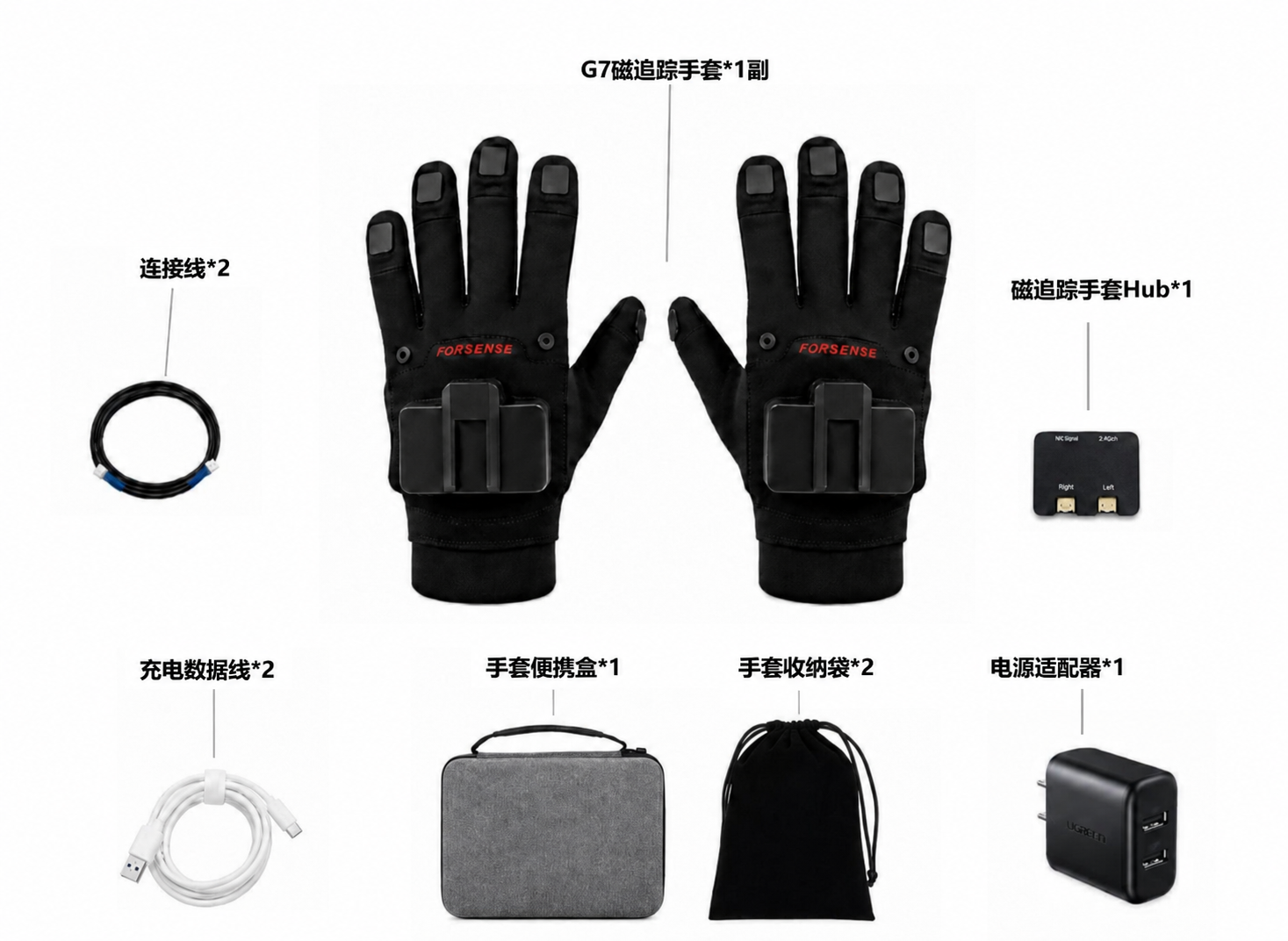
Optional accessories
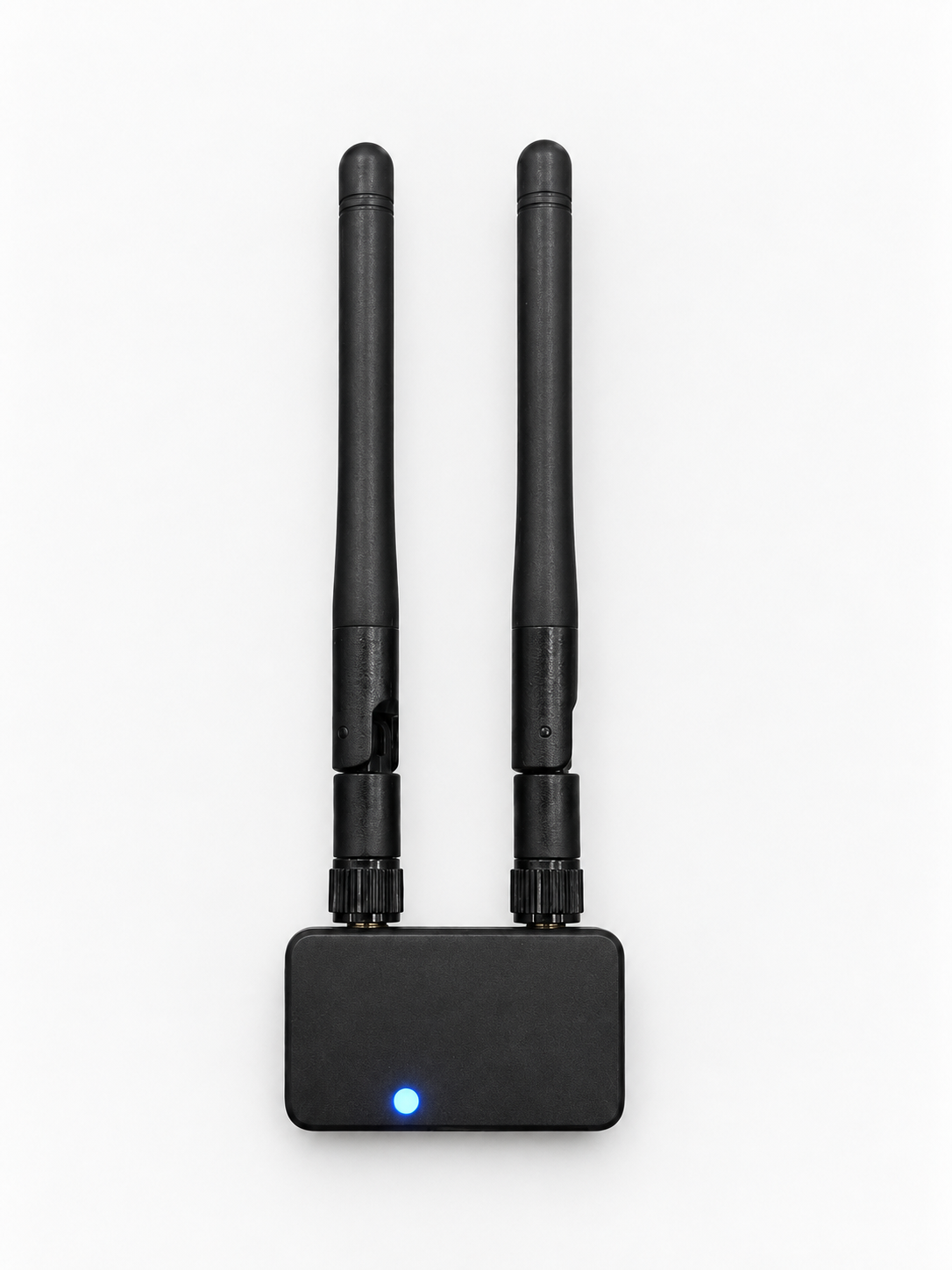
| ForMotion Glove G7 magnetic-tracking glove package contents | |||||
|---|---|---|---|---|---|
| No. | Product | Configuration | Notes | Quantity | Unit |
| 1 | Sensors (per hand) | Standard configuration | 5 fingertip magnetic–inertial modules (EMF+IMU) and 1 back-of-hand IMU sensor | 1 | set |
| 2 | Back-of-hand controller (per hand) | Processing unit and 1 IMU sensor | 1 | unit | |
| 3 | Dedicated G7 magnetic-tracking gloves | Glove bodies for G7 magnetic tracking | 1 | pair | |
| 4 | G7-Hub for magnetic tracking | Connects the left and right gloves, providing shared power, communication aggregation, and synchronized control of both hands | 1 | unit | |
| 5 | Connection cable (1m) | Connects the controller and HUB | 2 | cable | |
| 6 | Data cable (1m) | Provides data communication and power for the glove controller | 2 | cable | |
| 7 | Storage case | Holds gloves, data cables, HUB, and other hardware | 1 | unit | |
| 8 | Product conformity certificate | Product conformity certificate | 1 | unit | |
| 9 | Quick-start guide (electronic) | Product quick-start guide | 1 | unit | |
| 10 | Power adapter | 5V3.4A power adapter | 1 | unit | |
| 11 | Storage bag | Holds the gloves | 2 | unit | |
| 12 | Wireless module | Optional accessories | Power supply and wireless transmission | 2 | unit |
| 13 | Forearm module | Adds a forearm node (with strap and wiring harness) | 2 | unit | |
| 14 | TTL-to-USB-C module | TTL-to-USB-C conversion, with an external harness for power and data | 2 | unit | |
| 15 | Wireless receiver | Receives data from the wireless module | 1 | unit | |
Package photo: English labels
- 1 pair of G7 magnetic-tracking gloves
- 2 connection cables
- 1 magnetic-tracking glove Hub
- 2 charging/data cables
- 1 glove carrying case
- 2 glove storage bags
- 1 power adapter
| Category | Parameter | Specification |
|---|---|---|
| Performance | End-to-end latency | Wired <20 ms, wireless <30 ms |
| Sensor sampling rate | 120 Hz | |
| IMU sensors | Finger sensor type | 6DOF inertial sensor |
| Gyroscope range | ±4000 dps | |
| Accelerometer range | ±8 g | |
| EMF sensors | Number of EMF modules | 5 EMF receiving modules as standard |
| Wireless module | Power consumption and battery life | Power consumption 1.7 W; battery life greater than 3.5 h |
| Weight | 65 g | |
| Dimensions | 44.7 × 63.3 × 28 mm | |
| Communication range | 10 m | |
| Spatial tracking | Position accuracy | 2 mm |
| Orientation accuracy | 3 deg | |
| Electrical interfaces | Power supply | Powered through the Hub's USB-C port |
| Voltage | 4.6~5.5 V | |
| Current | 300 mA | |
| Communication method | Wired communication | CANFD or UART; UART supports conversion to 485, 232, 422, and USB |
| Hardware dimensions | Fingertip module | 12.6 × 22.85 × 7.7 mm |
| Back-of-hand controller | 67.4 × 53.4 × 22.2 mm | |
| Environment | Operating temperature | 0–40 ℃ |
| Operating humidity | 20%–80% | |
| Fit | Fabric sizes | M, L, XL (standard size L) |
| Product weight | Glove (single) | 115 g ± 5 g |
4.1 Glove dimensions
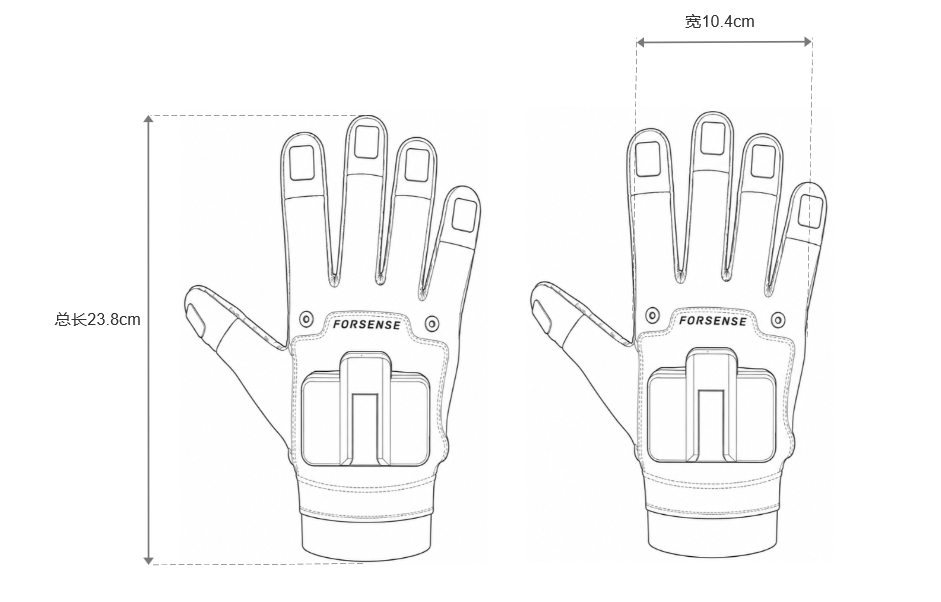
| Size | Hand length | Palm circumference |
|---|---|---|
| M | 17.5~18.9 cm | 18.5~20.5 cm |
| L | 18.9~20.2 cm | 20.0~22.5 cm |
| XL | 20.2~21.6 cm | 22.0~24.5 cm |
4.2 Back-of-hand controller dimensions
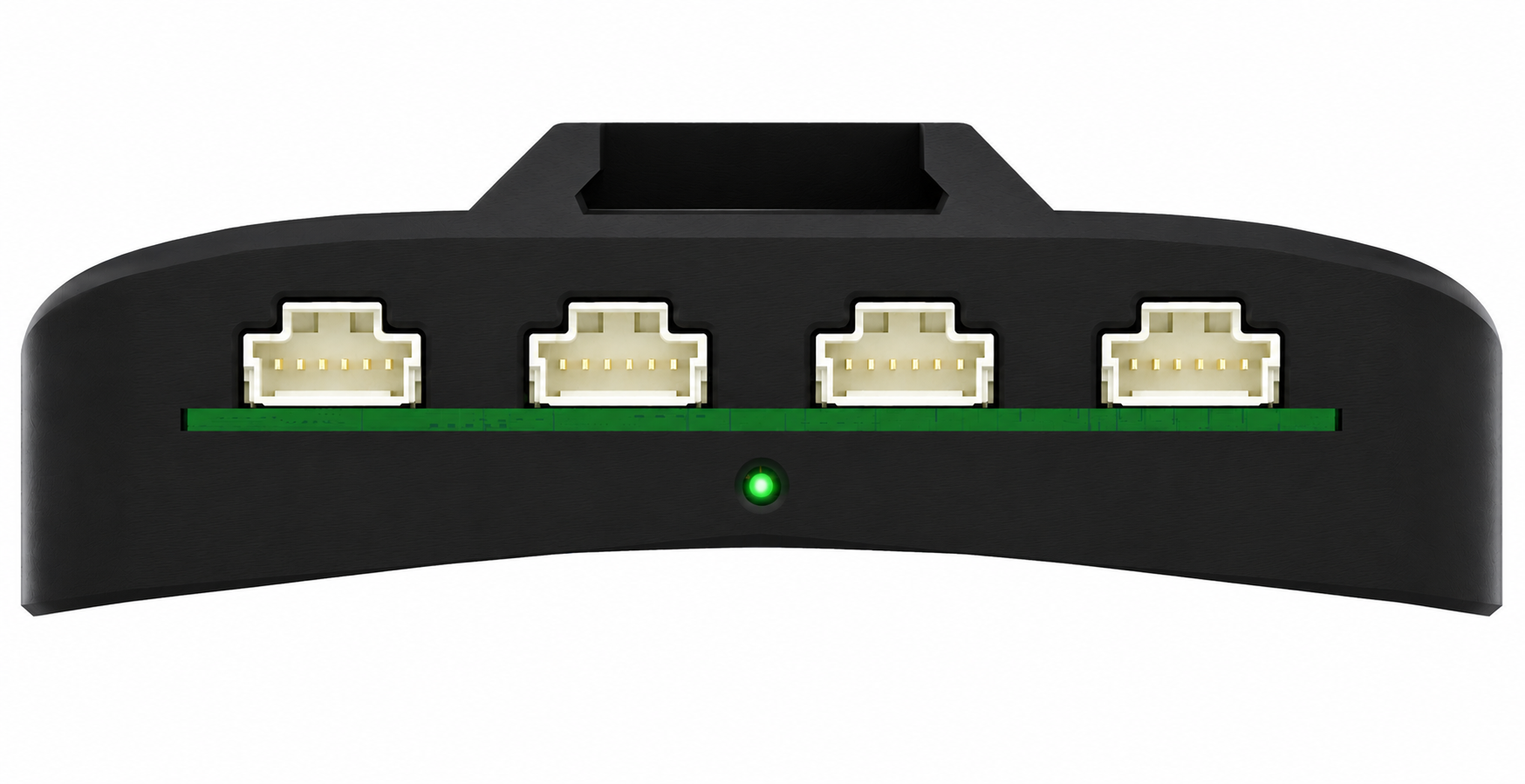
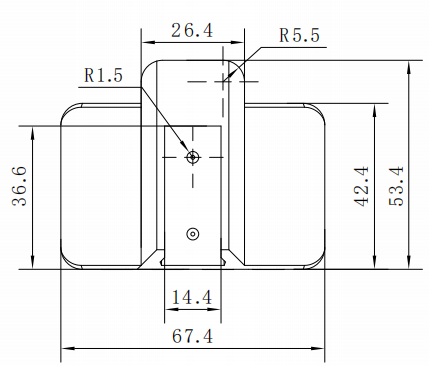
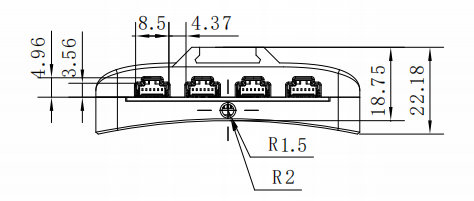
Glove illustration: English dimension labels
- Overall length: 23.8 cm
- Width: 10.4 cm
5.1 Interface parameters
Connector details (GPIO1 and GPIO2 on interfaces 1-4 are reserved pins)
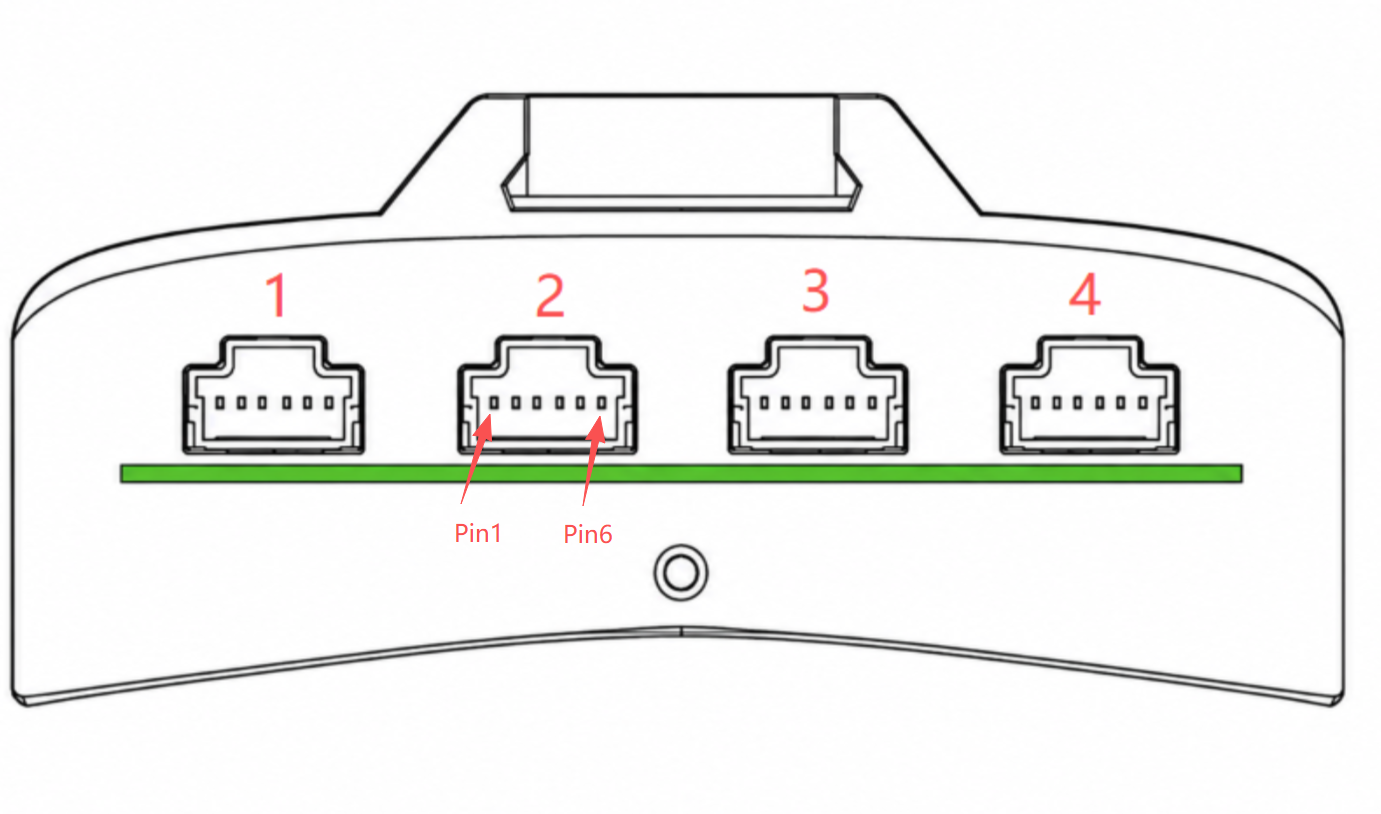
| Interface | Pin1 | Pin2 | Pin3 | Pin4 | Pin5 | Pin6 | Purpose |
|---|---|---|---|---|---|---|---|
| Interface 1 (CAN) | DC5V | GPIO1 | GPIO2 | CAN_L | CAN_H | GND | CAN-bus device connection |
| Interface 2 (UART1) | DC5V | GPIO1 | GPIO2 | TX1 | RX1 | GND | UART1 device connection |
| Interface 3 (UART2) | DC5V | GPIO1 | GPIO2 | TX2 | RX2 | GND | UART2 device connection |
| Interface 4 (UART3) | DC5V | GPIO1 | GPIO2 | TX3 | RX3 | GND | UART3 device connection |
5.2 LED signals
| Priority | State category | System state | LED color | LED pattern |
|---|---|---|---|---|
| 1 (highest) | Update | Firmware update in progress | Blue | Fast flashing |
| 2 | Fault | Hardware fault | Red | Steady on |
| 3 | Fault | Severe warning fault | Red | Slow flashing |
| 4 | Fault | General warning fault | Red | Fast flashing |
| 5 | Initialization | Startup initialization in progress | Blue | Slow flashing |
| 6 | Operating state | Both hands synchronized and operating normally | Green | Steady on |
| 7 (lowest) | Operating state | One glove operating normally | Blue | Steady on |
| 8 | Operating state | One glove performing magnetic-interference avoidance (hands close together; normal glove state) | Green | Steady on |
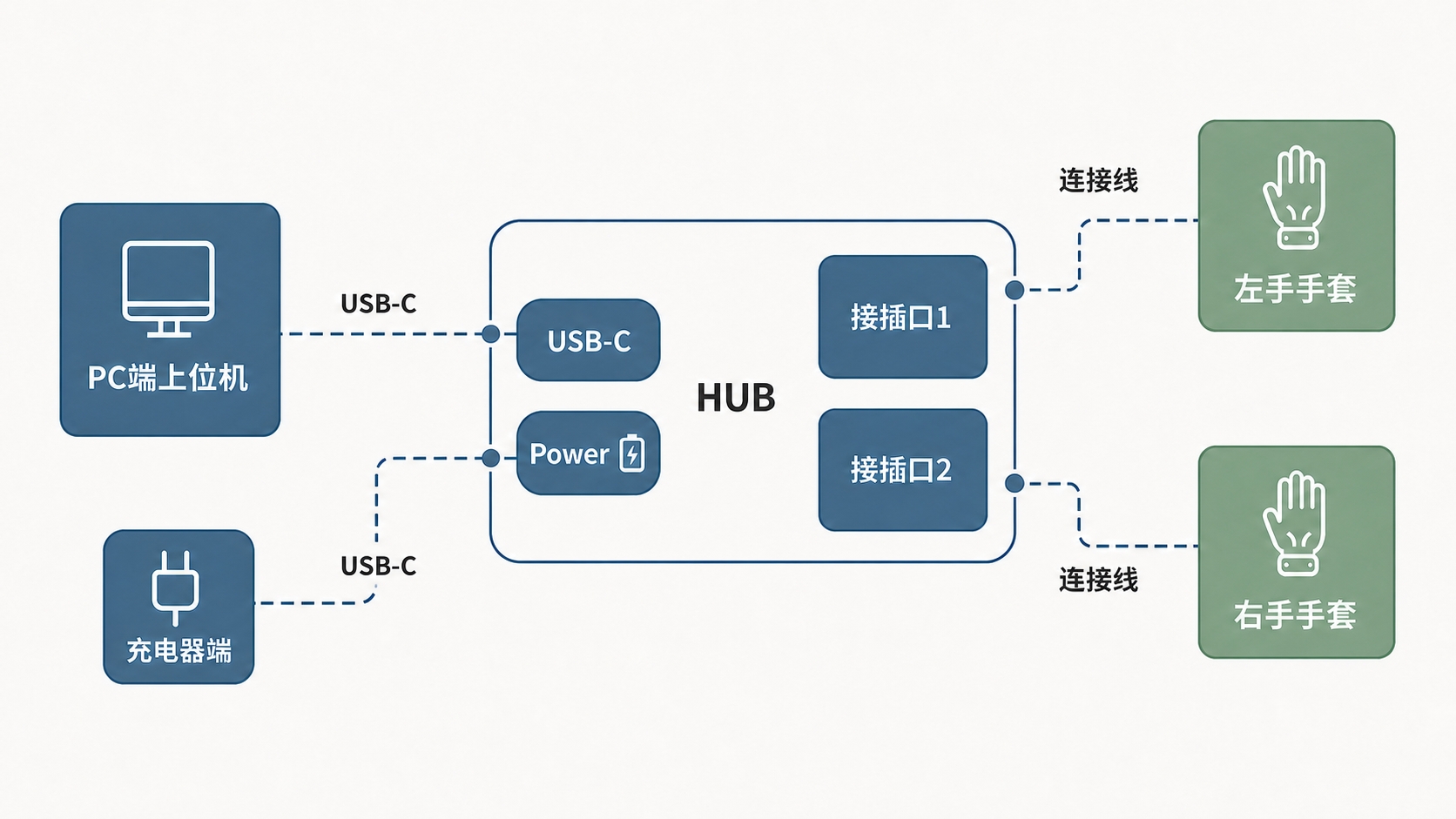
Connection diagram: English labels
- PC (host) → USB-C → Hub USB-C
- Charger → USB-C → Hub Power
- Hub connector 1 → connection cable → left glove
- Hub connector 2 → connection cable → right glove
ForMotion Glove G7 is Forsense's professional magnetic–inertial hand-motion capture glove. Each hand has 5 fingertip EMF+IMU modules and a back-of-hand IMU as standard; the Hub combines power, communication, and synchronization for both hands.
Applications: high-precision dexterous-hand teleoperation, professional hand-data collection, and fine-motion recording requiring fingertip positions in space.
Full specification on this site: ForMotion Glove G7 product specification · TOBI product page
The following is excerpted from the Forsense G7 specification. The promotional banner's latency ≤1 ms figure uses a different definition from the datasheet's end-to-end latency; this site follows the datasheet.
| Category | Parameter | Specification |
|---|---|---|
| Performance | End-to-end latency | Wired <20 ms; wireless <30 ms |
| Performance | Sensor sampling rate | 120 Hz |
| IMU | Gyroscope / accelerometer range | ±4000 dps / ±8 g |
| EMF | Receiving modules | 5 as standard |
| Accuracy | Position / orientation | 2 mm / 3 deg |
| Communication | Wired | CANFD or UART (convertible to 485/232/422/USB) |
| Power supply | USB-C Hub | 4.6~5.5 V, approximately 300 mA |
| Weight | Single glove | 115 g ± 5 g |
| Size | Fabric | M / L / XL (standard size L) |
Standard configuration (overview): Left/right sensor sets, back-of-hand controllers, dedicated magnetic-tracking gloves, G7-Hub, connection cables, data cables, storage case, conformity certificate, quick-start guide, power adapter (5V 3.4A), and storage bag.
Optional: Wireless module with harness, forearm module, TTL-to-USB-C module, and wireless receiver.
Actual package contents are governed by the current specification and the packing list supplied with the shipment.
| Size | Hand length | Palm circumference |
|---|---|---|
| M | 17.5~18.9 cm | 18.5~20.5 cm |
| L | 18.9~20.2 cm | 20.0~22.5 cm |
| XL | 20.2~21.6 cm | 22.0~24.5 cm |
- Read the specification to confirm components, interfaces, and power requirements.
- Follow the manufacturer's quick-start guide for connection and calibration.
- For development, extract the Linux SDK and start with
run.sh. - To receive joint or coil data directly, consult the UDP joint-pose / EMF-pose documentation.
- Read the firmware-update and disassembly/washing instructions before updating or cleaning.
For specifications, contents, dimensions, interfaces, and LED signals, see this site's G7 product specification.
GPIO1 and GPIO2 on interfaces 1–4 are reserved pins, according to the specification.
| Interface | Purpose | Key pins |
|---|---|---|
| Interface 1 CAN | CAN-bus devices | DC5V / GPIO1 / GPIO2 / CAN_L / CAN_H / GND |
| Interface 2 UART1 | UART1 | DC5V / GPIO1 / GPIO2 / TX1 / RX1 / GND |
| Interface 3 UART2 | UART2 | DC5V / GPIO1 / GPIO2 / TX2 / RX2 / GND |
| Interface 4 UART3 | UART3 | DC5V / GPIO1 / GPIO2 / TX3 / RX3 / GND |
| Priority | State | Color / pattern |
|---|---|---|
| 1 | Firmware update in progress | Fast-flashing blue |
| 2 | Hardware fault | Steady red |
| 3 | Severe warning fault | Slow-flashing red |
| 4 | General warning fault | Fast-flashing red |
| 5 | Startup initialization | Slow-flashing blue |
| 6 | Both hands synchronized and operating normally | Steady green |
| 7 | One glove operating normally | Steady blue |
| 8 | Magnetic-interference avoidance (hands close together; normal state) | Steady green |
- Time alignment: G7 and the headset are not guaranteed to share a clock domain by default. Define PPS, software alignment, or post-processing alignment for the project when capturing them together.
- Coordinate systems: Hand poses follow the manufacturer's coordinate-system definitions. Mapping them to robot or dataset coordinates requires separate calibration.
- Environment: EMF is sensitive to metal and strong magnetic fields. On-site acceptance should include spot checks under interference conditions.
- Delivery: The hand-trajectory format, frame rate, and indexing relationship with video/IMU follow the delivery specification confirmed with the order.
Q: Why does the website advert say ≤1 ms while this guide says <20 ms?
A: The datasheet specifies end-to-end latency of wired <20 ms and wireless <30 ms. TOBI follows the datasheet's acceptance criteria rather than putting unconfirmed marketing figures into procurement documentation.
Q: How should I choose between G7 and G2-L?
A: Choose G7 for millimeter-level fingertip positions and magnetic–inertial fusion. Choose G2-L for wireless operation, long battery life, and rapid deployment of inertial hand tracking.
Q: Can it be washed?
A: Follow the manufacturer's disassembly and washing instructions strictly. Do not soak powered modules.
This page contains the full ForMotion Glove G2-L product specification, hosted in the TOBI documentation center. The overview, advantages, contents, and core parameters follow the manufacturer's specification, so you can read them without leaving tobi.cn.
1. Product overview
ForMotion inertial motion-capture gloves (wireless version) are professional hand-data capture devices for robot teleoperation, VR interaction, and digital-human animation.
Manufacturer: Forsense. TOBI provides product selection, combined-use evaluation with E6 / E2, and delivery coordination.
Accurate and stable over extended use
The 1 + 8 IMU + wrist IMU architecture combines 6DOF sensors with human-body-model-assisted algorithms. It resists magnetic-field interference and captures gestures, finger-joint changes, and hand orientation stably, with no noticeable drift over 40 minutes of continuous use, supporting professional hand-motion capture and data recording.
Close-fitting half-finger design for comfort and stability
The half-finger structure and skin-friendly fabric fit closely to the hand, improving consistency between sensor readings and hand motion while maintaining comfort for more stable and faithful captured data.
Coordinated full-body motion for varied applications
Can be paired with a motion-capture suit for synchronized body/hand capture, or combined with PICO devices, trackers, and an in-house IK solution to build an integrated motion-capture system covering the head/neck, torso, limbs, and fine finger movements. Applications include digital-human animation, film/animation, robot teleoperation, and VR interaction.
Fast calibration and setup
Calibration takes four simple movements and less than 40 seconds, making it quick to start without a complex setup process.
Extensible for different projects
Hardware configuration, data interfaces, motion outputs, and software workflows can be customized to customer requirements for different applications.
Package photo: English labels
- 2 mini joysticks
- 1 pair of inertial gloves
- 2 charging/data cables
- 2 wrist straps
- 1 glove carrying case
- 1 glove storage bag
- 1 dual-USB charger
Original package-list table: English transcription
| No. | Product | Notes | Quantity | Unit |
|---|---|---|---|---|
| 1 | Inertial sensors (per hand) | 7 fingertip IMUs, 1 wrist IMU | 1 | set |
| 2 | Back-of-hand controller (per hand) | Processing unit, 1 IMU sensor | 1 | unit |
| 3 | Dedicated inertial gloves | Dedicated inertial gloves | 1 | pair |
| 4 | Power adapter | 5V 3.4A power adapter | 1 | unit |
| 5 | Data cable (1m) | Data communication and power for the glove controller | 2 | cables |
| 6 | Wrist strap | For wrist IMU and motion tracker | 2 | straps |
| 7 | Mini joystick | Controls some robot and PICO interface functions | 2 | units |
| 8 | Storage case | Holds gloves and data cables | 1 | case |
| 9 | Storage bag | Holds the gloves | 2 | bags |
| 10 | Conformity certificate | Product conformity certificate | 1 | certificate |
| 11 | Quick-start guide (electronic) | Product quick-start guide | 1 | guide |
| Category | Parameter | Specification |
|---|---|---|
| Performance | Signal latency | ≤20 ms |
| Data transmission rate | 50 Hz | |
| Sensor configuration | Finger sensor type | 6DOF inertial sensor |
| Gyroscope range | ±4000 dps | |
| Accelerometer range | ±8 g | |
| Battery life and power | Battery life | 7 hours |
| Charging time | 3.5 hours | |
| Charging port | USB-C | |
| Communication method | Wireless communication | Bluetooth 5.1 |
| Wireless range | Up to 15 meters | |
| Fit | Fabric sizes | M, L, XL |
| Product weight | Glove (single) | 90 ± 5 g |
| SDK support | SDK | C++, Python |
ForMotion Glove G2-L is Forsense's wireless inertial hand-motion capture glove, with a sensor architecture of 1 + 8 IMU + wrist IMU and a close-fitting half-finger design for robot teleoperation, VR interaction, and digital-human animation.
Full specification on this site: ForMotion Glove G2-L product specification · TOBI product page
| Category | Parameter | Specification |
|---|---|---|
| Performance | Signal latency | ≤20 ms |
| Performance | Data transmission rate | 50 Hz |
| IMU | Gyroscope / accelerometer range | ±4000 dps / ±8 g |
| Battery life | Battery / charging | 7 hours / approximately 3.5 hours (USB-C) |
| Communication | Wireless | Bluetooth 5.1, up to approximately 15 m |
| Weight | Single glove | 90 g ± 5 g |
| Size | Fabric | M / L / XL |
| SDK | Languages | C++, Python |
- This site's specification: confirm components and core parameters.
- Coordinate-system definitions: identify output frames and axis directions.
- Software guide: complete pairing, calibration, and recording.
- Data format and SDK guide: integrate into your own pipeline.
- Firmware updates / disassembly and washing / FAQ: maintenance and troubleshooting.
Manufacturer's guidance: four-point calibration usually takes less than 40 seconds; approximately 40 minutes of continuous use shows no noticeable drift, subject to the current manufacturer documentation and on-site measurements.
| Dimension | G2-L | G7 |
|---|---|---|
| Principle | Inertial (1+8+wrist IMU) | Magnetic–inertial fusion (EMF+IMU) |
| Latency definition | Signal latency ≤20 ms | Wired end-to-end <20 ms / wireless <30 ms |
| Frequency | 50 Hz | 120 Hz |
| Accuracy focus | Stable gestures, finger joints, and hand orientation | Position 2 mm, orientation 3° |
| Connection | Bluetooth 5.1 | Wired Hub and optional wireless |
| Battery life | 7 hours | Primarily wired power; optional wireless battery life >3.5 h |
| Weight | 90 g ± 5 g | 115 g ± 5 g |
- Bluetooth and the headset's Wi-Fi/local storage are separate channels. Agree on a start marker and time-alignment method for joint capture.
- G2-L does not claim G7's EMF millimeter-level fingertip-position accuracy. Evaluate G7 if the task requires fingertip spatial coordinates.
- Can be combined with a full-body capture suit, PICO, and trackers. Packaging with TOBI headset data is confirmed per project.
Q: Can it be used outdoors?
A: Inertial capture is not constrained by an optical capture environment, but Bluetooth distance and obstructions affect stability. Test the link on site.
Q: Which SDKs are supported?
A: The specification lists C++ and Python. See the manufacturer's SDK guide for details.
Q: How should it be cleaned?
A: Read the manufacturer's disassembly and washing instructions, separating washable fabric from sensor modules.